

Security Camera Installation & Surveillance Systems in Los Angeles
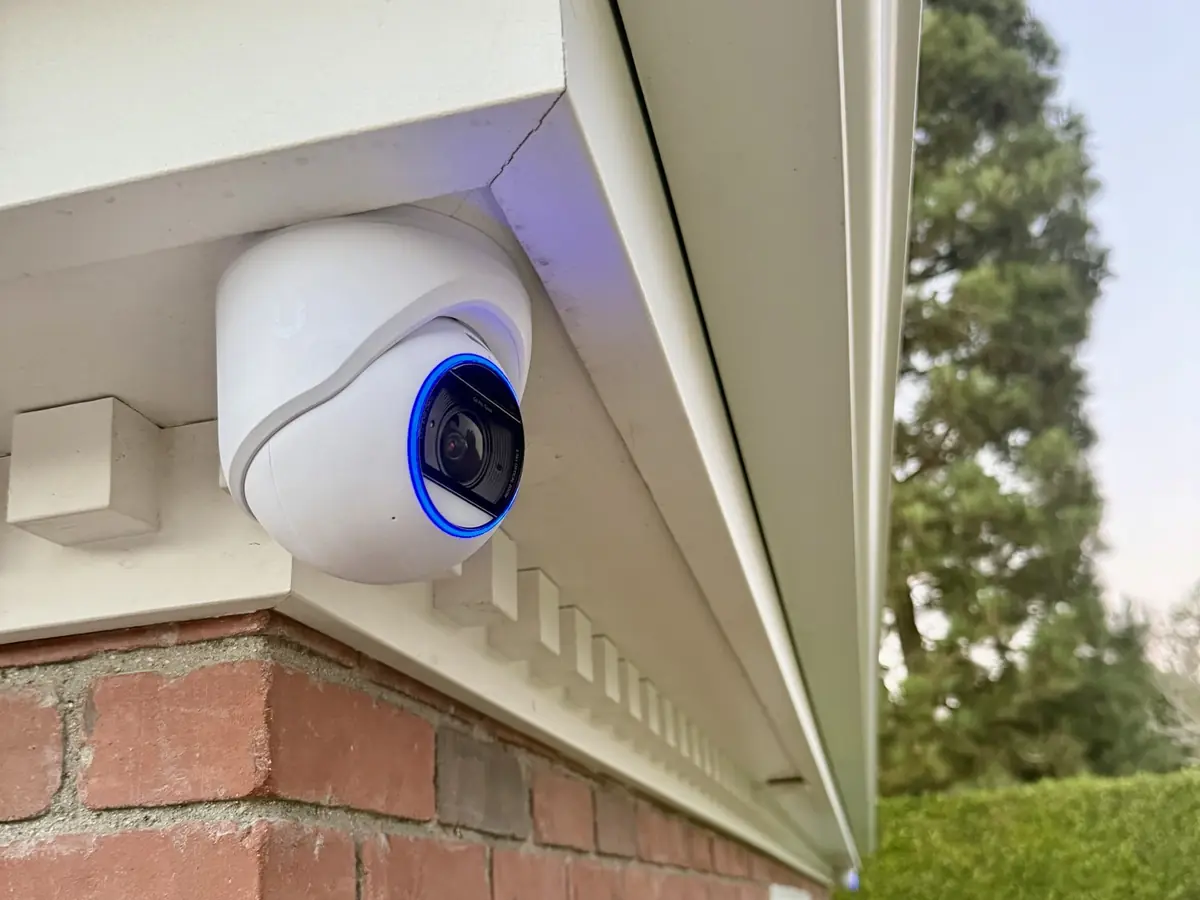
We install UniFi Protect camera systems that record locally, with no monthly fees.

- C-7 #1050088
- UniFi CERTIFIED PARTNER
- 5.0 STARS GOOGLE AND YELP
- LA Metro
Security cameras for homes and businesses in Los Angeles
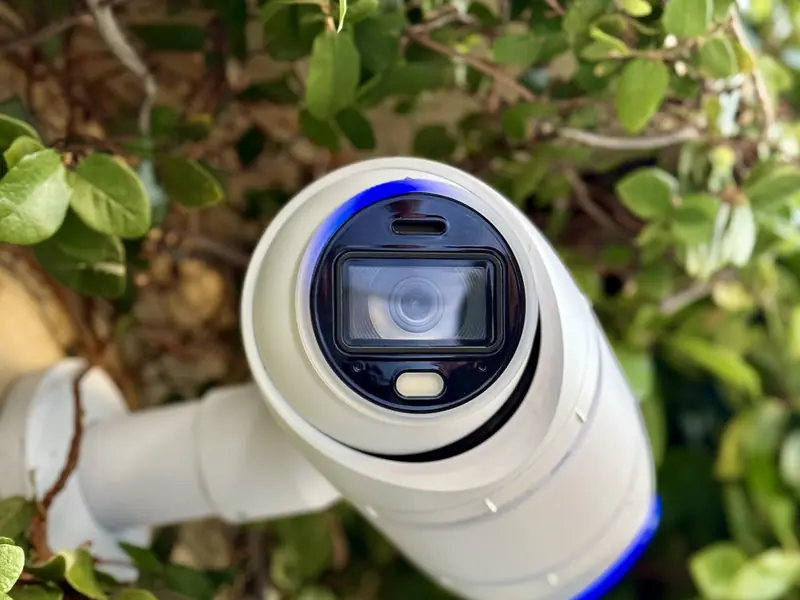
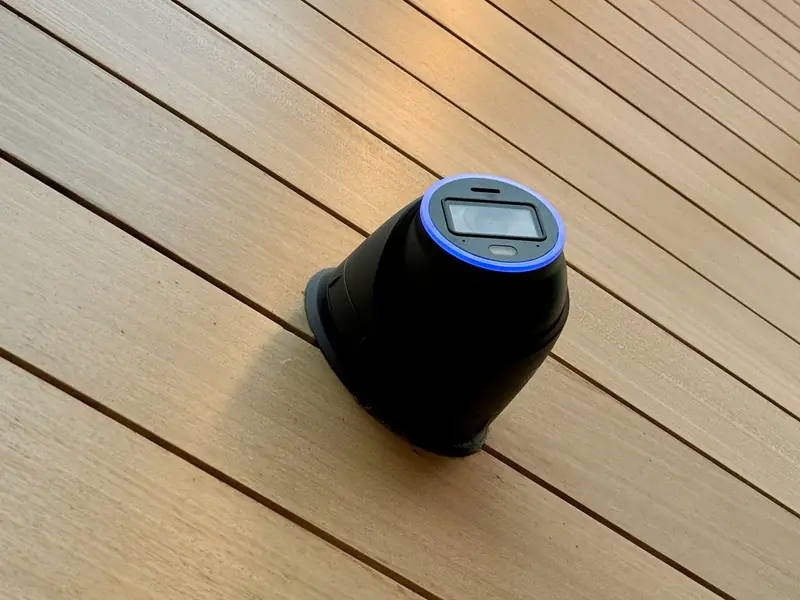
See wired camera systems we installed on a hillside home and in a warehouse.
Whether it is one entry or a whole property, we plan every camera view on a site walk and build the system on UniFi Protect.
Gbit Tech LLC installs subscription-free security camera systems on Ubiquiti UniFi Protect: 4K G6 and AI Series cameras with local NVR recording, AI detections, remote access and smart alerts. There are no monthly cloud fees.
We lay out cameras based on your property's weak points and tie them into your existing network, for commercial spaces and luxury homes.

 01 / WHAT WE INSTALL
What we install
Scope that matches the brief. No stock kits bolted on.
AI detections and alerts
Person and vehicle detection on G4, G5, G6 and AI Series cameras, license plate and face recognition on supported G6 and AI Series models, and alerts for unwanted activity.
Local storage
Your footage stays on your own NVR, so you own it.
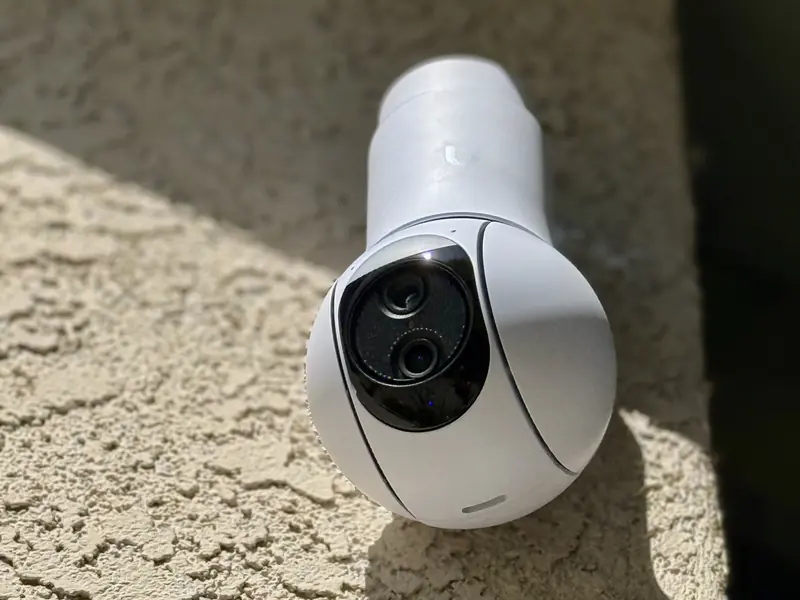
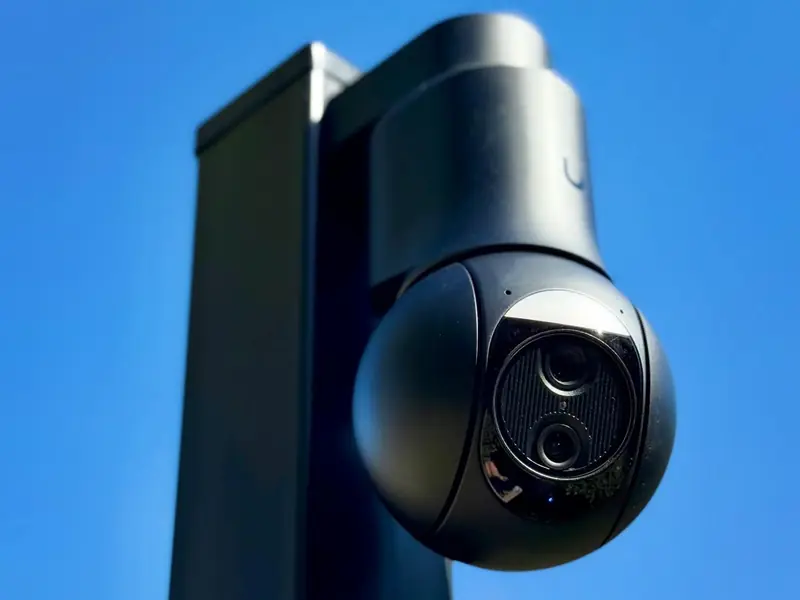
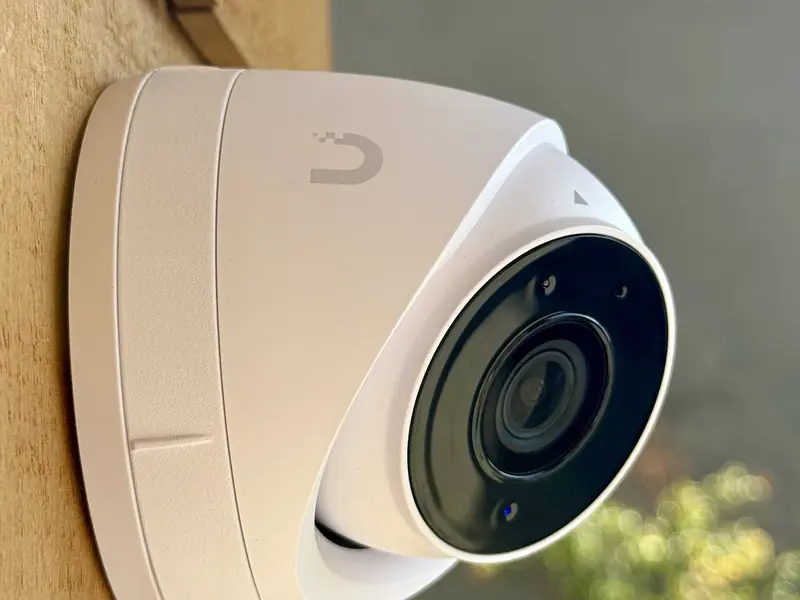
4K G6 and AI Series cameras
Local NVR recording, remote access, and smart alerts with no monthly cloud fees.
Repairs and maintenance
Repairs and maintenance as needed.
How we plan a camera system
We start with a walk of the property, inside and out, and mark every spot you want to see: entries, driveways, side yards, loading doors, the back fence. Then we check what each camera will actually see from that height and angle, at night as well as in daylight. Fewer, well placed cameras beat a wall of wide views that identify nobody.
Each camera gets its own CAT6 run to a UniFi switch, which powers it over PoE. Footage records to UniFi Protect on your own network, and you watch it in the UniFi app. If you want a first idea of camera count and coverage before we visit, sketch your property in Sight. It shows what each camera covers on an aerial view of your lot, and gives a ballpark estimate for both equipment and installation.
Questions to settle before we start
- What do you need to catch or prove: people at the door, vehicles, packages, staff activity, or all of it?
- How many days of footage should it keep? That sets the drive size, and the storage planner shows the math.
- Where can cable run: attic, crawlspace, conduit, or a surface path along the exterior?
- Who needs access, and should everyone see every camera?
- Do neighbors, tenants or an HOA need to approve camera positions?
- Are there existing cameras or cable you want to keep?
Mistakes we see on camera jobs
- Buying by camera count instead of by view. A camera aimed at too wide a scene shows a lot and identifies nothing.
- Aiming at bright sky or a lamp. Backlight washes out faces at the moment you need them.
- Mounting where a person can reach the camera and turn it away.
- Skipping drive sizing, then finding out the system only holds a few days.
- Linking a camera over WiFi. A wired PoE camera is steadier and gets power and data in one cable.
- Leaving the recorder on default settings, with shared logins and no updates.
Where we install
We install camera systems across Los Angeles and the Valley, including Sherman Oaks, Studio City, Beverly Hills and the Hollywood Hills. Two project write-ups show the work: a hillside home and a warehouse. For the recorder question, read UniFi Protect vs a standalone NVR.
 02 / HOW WE WORK
How we work
From walkthrough to a live on-prem system.
- 01
WALK
We map the site and confirm the brief.
On site, not from a photo - 02
DESIGN
We plan coverage, pathways, and hardware.
Coverage planned before install - 03
INSTALL
We pull cable and label every run.
Every run labeled - 04
HAND OFF
We walk you through the finished install.
Walkthrough of your system
Security camera questions
Not ours. UniFi Protect records to a recorder on your network, so there are no monthly cloud fees.
One that records locally and puts cameras where they see faces and entries. We plan placement on a site walk.
Yes. Each camera gets its own CAT6 run to a switch that powers it, which is steadier than WiFi.
Enough to cover the views that matter: the front door, driveway, side gates, back yard and garage. We mark each view on a site walk, so you get coverage and not extra cameras.
It depends on the camera views, the cable routes and the building. Read what drives installation cost, then get a ballpark in Sight.
Warehouses, hotels, and venues in Santa Monica and Beverly Hills.
Production studios and streamer setups.
Luxury residential estates.
No. UniFi Protect records to a local NVR, with no monthly cloud fees.
Sometimes. We review what you have and specify what fits. We also service older analog and coax systems.
You do. It is stored locally on your own NVR, on your network.
It depends on the property and what you want to see, not on square footage. We count by view: every entry, approach and blind spot. Sight gives you a first count and a ballpark, and we confirm it on the site walk.
Yes. You use the UniFi app, with remote access that you control. You decide who gets an account and what each person can see.
Yes. We are primarily focused on UniFi, and we also service and troubleshoot other systems. Tell us what you have and we will say plainly whether it is worth fixing, keeping or replacing. See other low-voltage work.
We hold California C-7 license #1050088 and are a UniFi Certified Partner. We carry insurance and can issue certificates naming additional entities on request, which property managers and HOAs often ask for.
Ready to scope it?
(818) 809-6743 · office@gbittech.net · LA Metro
Serving all of LA Metro with low-voltage installations.
Request an estimate. Want a ballpark first? Sketch your property in Sight. Curious what moves the price? Read what drives UniFi installation cost.