

Starlink Installation in Los Angeles, Wired Into Your UniFi Network
We mount the dish, route the cable, and connect it to your UniFi gateway as your main link or as automatic backup.

- C-7 #1050088
- UniFi Certified Partner
- 5.0 stars on Google and Yelp
- LA Metro
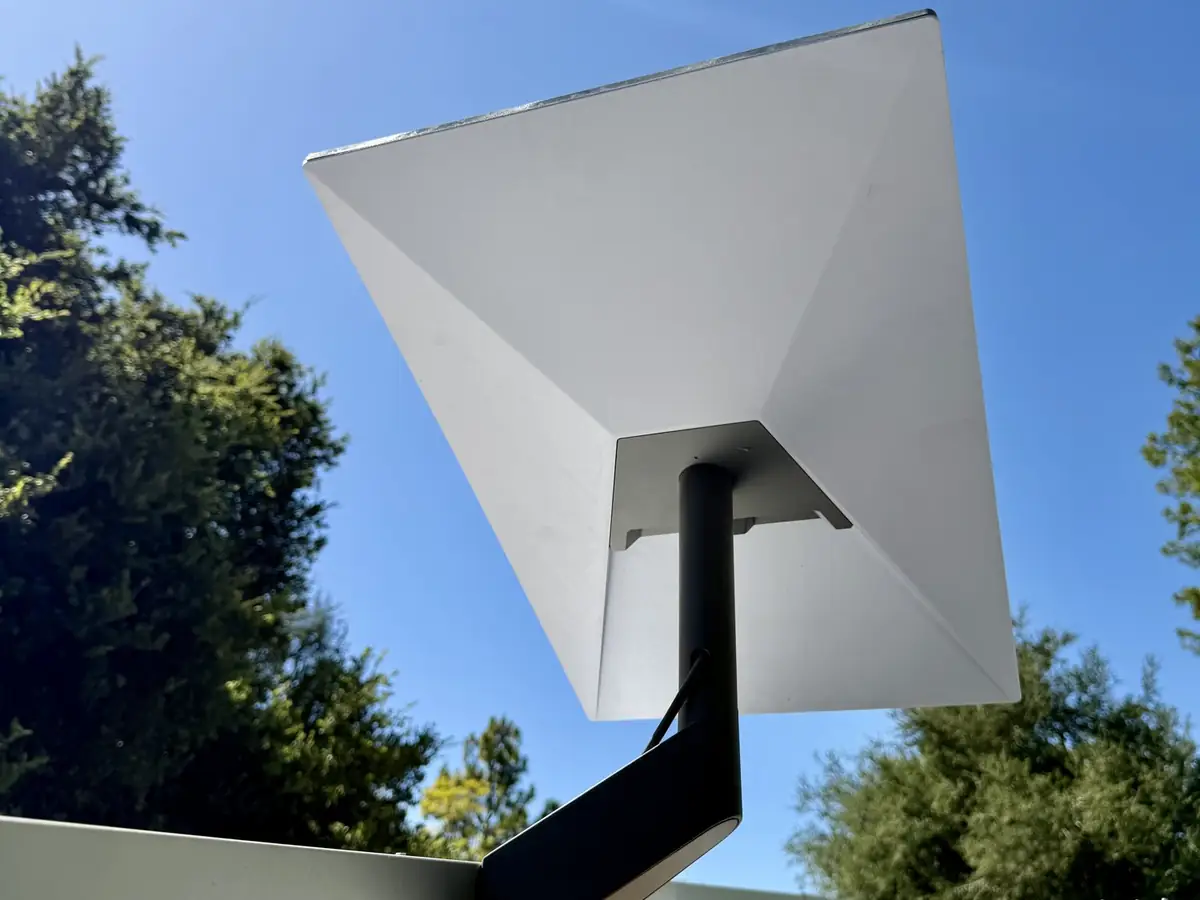
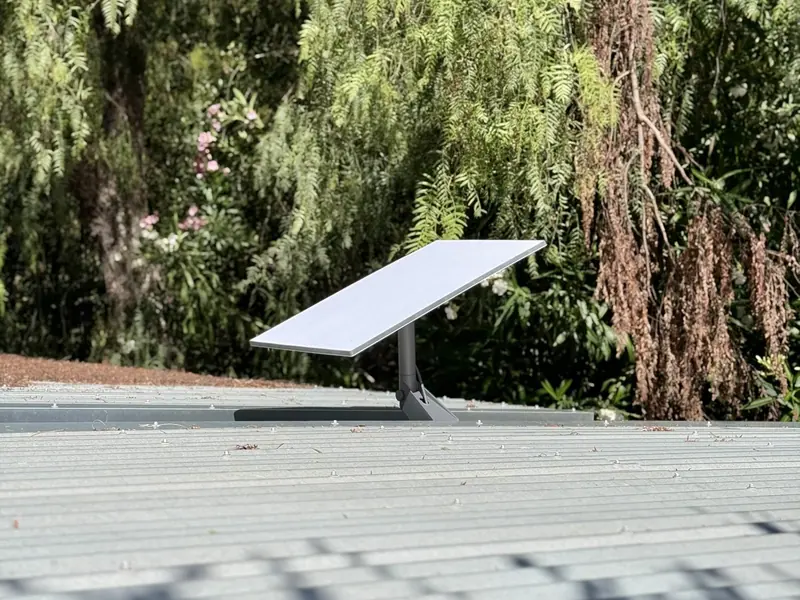
Gbit Tech LLC installs Starlink for homes and businesses across Greater Los Angeles. We pick the spot with the clearest view of the sky, mount the dish on the roof, a pole, or a wall, and route the cable through a protected path to power and your network gear.
We are UniFi installers first, so Starlink does not end up as a standalone box in a closet. We wire it into the UniFi gateway, often as a failover link in a multi-WAN setup, so cameras, Wi-Fi, and access control keep working when your main internet goes down.

 01 / WHAT WE INSTALL
What we install
Dish, cable path, power, and the network side, handled as one job.
Dish mounting
Roof, pole, or wall mounting, secured and weatherproofed for the spot.
Clear sky placement
We check trees, rooflines, and neighboring buildings so the dish has a clear view of the sky.
Cable path
Cable routed through roof, wall or attic paths to your equipment and protected from weather.
Power and connection
Power for the dish and router, then a wired connection to your UniFi gateway or network rack.
UniFi multi-WAN
Starlink added as a second WAN: fiber or cable as primary with Starlink as automatic backup, or load-balanced across both.
Tested before handoff
We test failover before we leave and walk you through what happens during an outage.
Starlink plus UniFi 5G backup
A second, independent path for sites that must stay online.
Starlink can be your main link or your backup. For an additional path, UniFi also offers cellular backup devices that plug into a UniFi PoE port and are managed from the same console as the rest of your network. Options include UniFi 5G Backup, UniFi 5G Max, UniFi 5G Max Outdoor and UniFi LTE Backup Pro, and we confirm current models at store.ui.com before we choose hardware.
Starlink comes in standard and Mini kits. We help you pick the one that fits the site, then connect it and any cellular backup to your UniFi gateway. Carrier and plan support varies by model, so we confirm what works at your address before we order.
 02 / HOW WE WORK
How we work
From walkthrough to a live on-prem system.

We map the site and confirm the brief.

We plan coverage, pathways, and hardware.

We pull cable and label every run.

We walk you through the finished install.
Homes and offices with fiber or cable that want internet to stay up when it drops.
Properties where wired service is slow, limited, or not available.
Guest houses, workshops, and outbuildings without good wired service.
Properties where cameras, Wi-Fi, and door access need to stay online through an outage.
Usually not. Most clients keep fiber or cable as the primary connection and add Starlink as automatic backup. If wired service is not available at your property, Starlink can be the primary link.
The UniFi gateway watches each connection and switches to the backup when the primary stops responding. It takes a short moment, not zero time, so a video call may drop and reconnect. Local camera recording keeps running either way.
Wherever it has the clearest view of the sky: a roof, a pole, or an exterior wall. We check for trees and taller buildings during the walkthrough and balance sky view, cable length, and appearance.
Yes, with a load-balanced multi-WAN setup on the UniFi gateway. Failover only is simpler and the common choice. We recommend one based on how you use the connection.
It helps, since the UniFi gateway handles the failover. If you do not have one yet, we can install it as part of the job.
Ready to scope it?
Tell us the address and what needs to stay online, and we will scope the dish location and network setup.
(818) 809-6743 · [email protected] · LA Metro
Serving all of LA Metro with low-voltage installations.
Request an estimate. Want a ballpark first? Sketch your property in Sight.