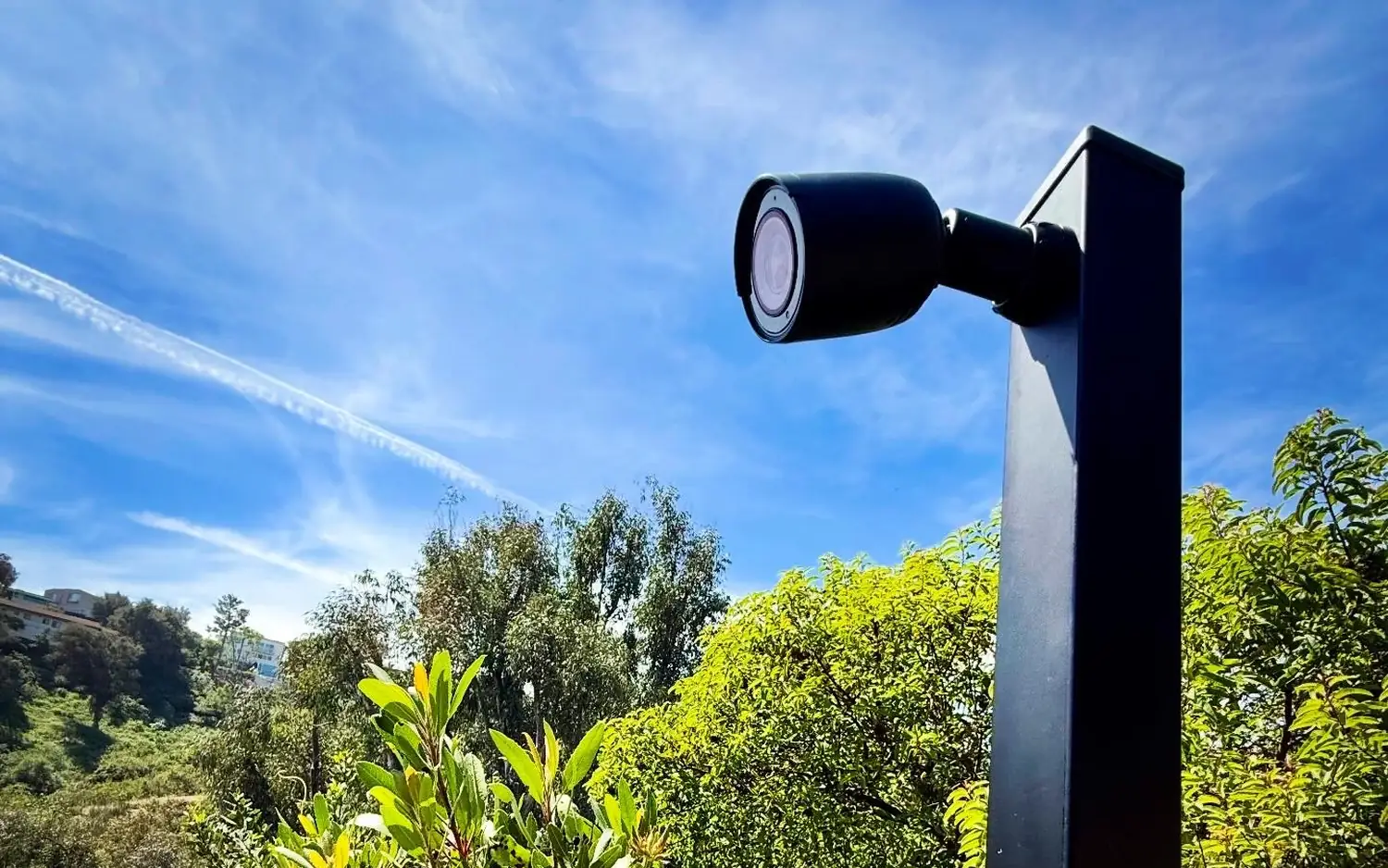
Hillside home security cameras on metal posts solve a problem soffit cameras cannot. A camera under the eave sees your walls, your doors and your yard. It rarely sees the street, and on a hillside the street can be a long way off and a lot lower or higher than the house.
If your goal is to see who drives up, who walks by and what happens at the curb, the camera has to move closer to the street. That usually means a post, a run of conduit and a plan for power. Here is how we think it through.
Why the soffit is the wrong place
Eave mounts are convenient. The cable is short, the camera is out of reach and the house hides the wiring. The trade-off is distance and angle.
- A property set back from the road puts the street beyond the useful range of most cameras, even good ones.
- On a slope, the eave looks over the street, not at it.
- Night video at distance is where cameras struggle most, and where a wider or longer-range setup makes the difference.
The fix is to change where the camera lives, not to keep buying stronger cameras for the wrong spot.
What a post gives you
A metal post lets you put the camera at the edge of the property with a clear line of sight. A single post can carry more than one camera, aimed at different parts of the street. The height helps with angle and keeps the camera out of easy reach.
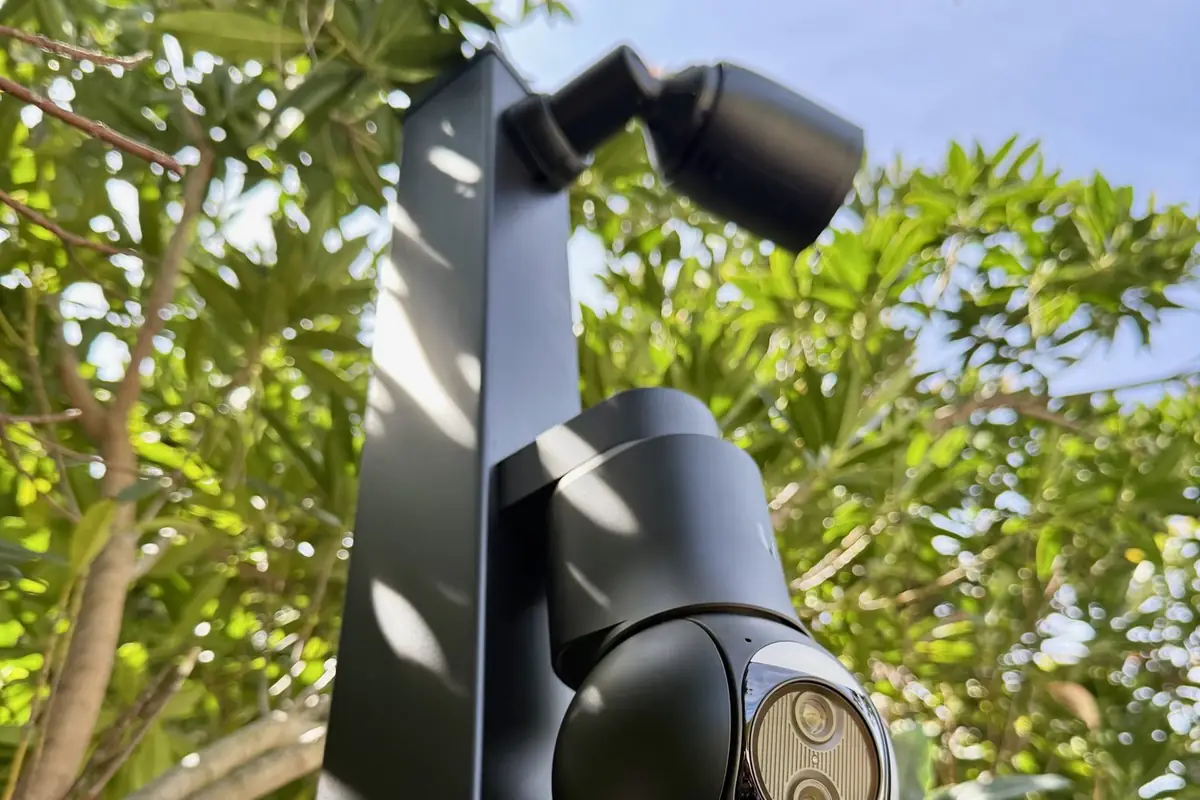
Posts need a proper footing, and who sets the footing should be settled before install day. We run the conduit and cable around that schedule.
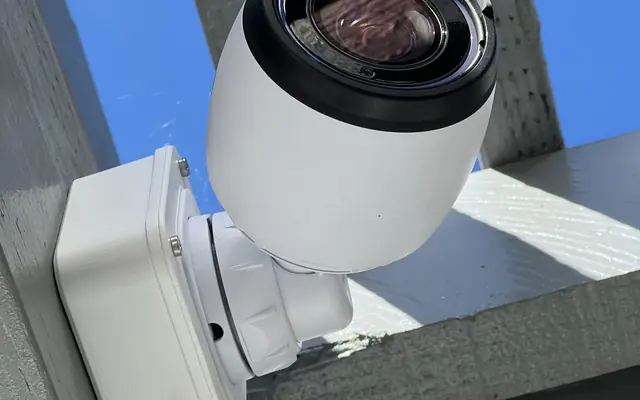
The mount matters too. The G6 Pro Bullet’s included pole mount fits round poles of 1.5 to 2 in (38 to 50 mm). Other posts, including square ones, need an adapter, so we confirm the post type before we order anything.
Choosing the camera
For street and driveway views we often use the G6 Pro Bullet, a 4K camera with 2.36x optical zoom and an IP66 rating. It can be paired with a Pro Bullet Enhancer, an accessory that extends the infrared range to 60 m (from 40 m) and adds a floodlight, radar and a loudspeaker. Together they help at the distances a street view demands.
Radar works best at a mounting height of 2 to 5 m and a tilt of 0 to 30 degrees. A steep hillside may exceed that, so we check the angle from the post to the street before we count on it.
The Enhancer is powered through the camera (15 W max), and the G6 Pro Bullet is also 15 W max on PoE+, so the camera’s PoE+ port has to supply both. We do not treat any combined wattage as official, and we do not assume one PoE+ port covers both. We size the switch and port budget to the total draw and test before quoting.
Product lines change, so we confirm current models, compatibility and availability at store.ui.com before quoting. Availability may vary on store.ui.com. For a wider look at what on-camera analytics can and cannot do, read our piece on AI in security cameras.
Power and the long run problem
The Ethernet standard limit is 100 m (328 ft), and the distance from a house to a street post can be well past it once you follow the real route around slopes, walkways and structures. There are two common answers:
- Pull one long run to the post. Fine when the total path is inside the limit and the pathway is clear.
- Add a mid-point switch. A small PoE switch in an outdoor enclosure, powered either by a local outlet (the USW Flex with the Flex-Utility 60 W adapter gives a 46 W budget) or by an 802.3bt PoE++ feed from the house. A single PoE+ feed to a Flex only gives it 20 W, so we size the switch to the cameras’ total draw. Short runs then go out to each post, which shortens the last stretch and keeps it clean.
In our experience on hillside jobs, a mid-point switch in an outdoor enclosure shortens the runs to the posts and makes the layout easier to power and service. Ubiquiti recommends the USW-Flex-Utility enclosure for exposed spots. In our practice the enclosure also gets a shaded, dry spot, protection from irrigation and a way to keep water out of the conduit.
Pathway is most of the work
The cameras are the fun part. The labor is in getting cable to them. On hillside properties that usually means:
- Underground PVC conduit to each post, sized for future pulls.
- Crawlspace or under-house sections to get out of the building without new holes in finished walls.
- Trenching across lawn and planters, with the surface restored by whoever owns the landscaping.
- Junctions and pull points so a future repair does not mean digging.
We walk the property before we price it, because a bill of materials never shows the slope, the roots or the planter in the way. Walking it is how a one-day estimate becomes an honest multi-day one. Our structured cabling work covers the pathway side.
Aim, glare and privacy
We aim to cover your frontage, your driveway and the approach, not a neighbor’s windows, and use privacy masks where needed. Headlights cause glare, so we check the scene at dusk, not just at noon.
Recording and storage
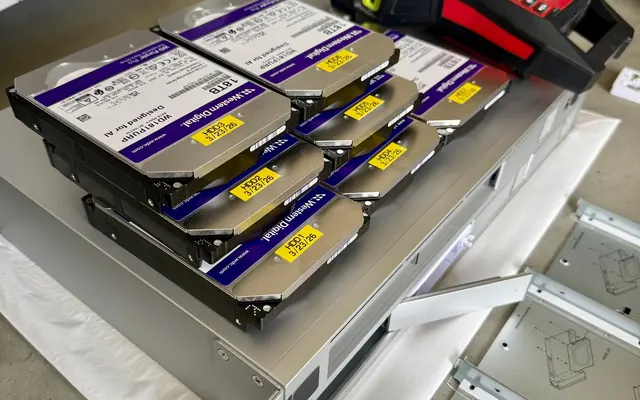
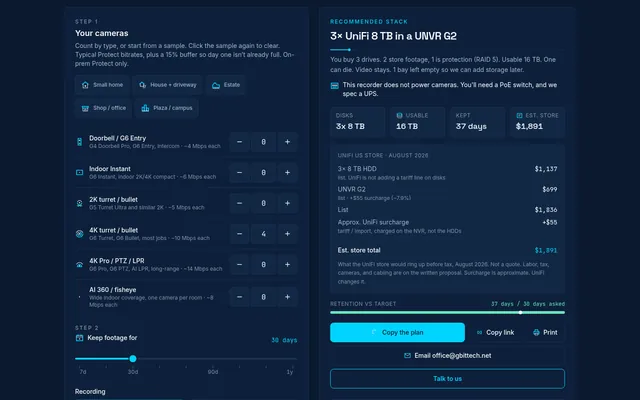
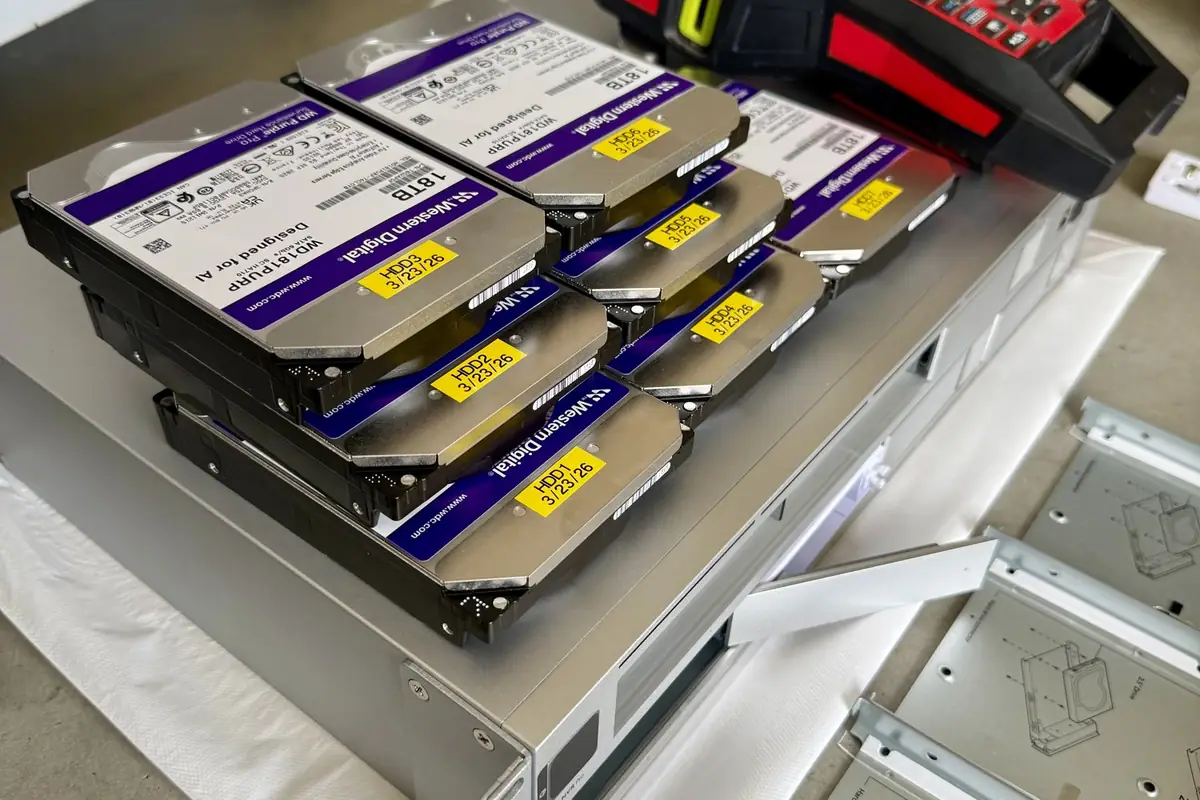
More cameras and higher resolution mean more storage. A UniFi recorder holds footage on your own system, and UniFi Protect has no licensing fees, so there is no monthly camera fee. Use the storage planner to see how retention days, camera count and RAID change the drive setup. Our security camera installation page explains the rest of the process.
What we would ask before starting
- Where does the street view need to reach, and what is the priority: plates, faces or general awareness?
- Who sets the post footings and restores the surface?
- Where can the mid-point switch live so it stays dry and serviceable?
For a wider planning checklist, see our commercial camera installation guide, most of which applies to homes too.
We work primarily in UniFi and also service and troubleshoot other systems, so if you already have cameras you want to keep on the property, we can plan around them.
FAQ
Can I just use a stronger camera under the eave?
Usually not. Distance and angle limit what any camera can see, and posts fix the geometry.
Will an enhancer make the night video perfect?
It helps, but lighting, distance and angle still matter. We check the scene at night before finalizing.
Do you handle the trenching?
Sometimes we do, and sometimes another crew does. We state who handles it in the estimate.
Start with a sketch
Request an estimate. Sketch your lot and cameras in Sight for a ballpark, then contact us and we will walk the property with you.