Cheap cameras produce blurry footage that is useless after a break-in. If you are installing commercial security cameras in Los Angeles, these are the things to settle first.
Residential vs. commercial cameras
- Durability: Commercial cameras are built for harsher conditions and continuous operation.
- Coverage: Wider fields of view and higher resolution cover larger areas.
- Features: Analytics, access control integration and remote monitoring.
- Installation: Commercial systems benefit from professional installation for proper coverage and code compliance.
Knowing the difference helps you avoid underpowered cameras and gaps in coverage.
Features to look for
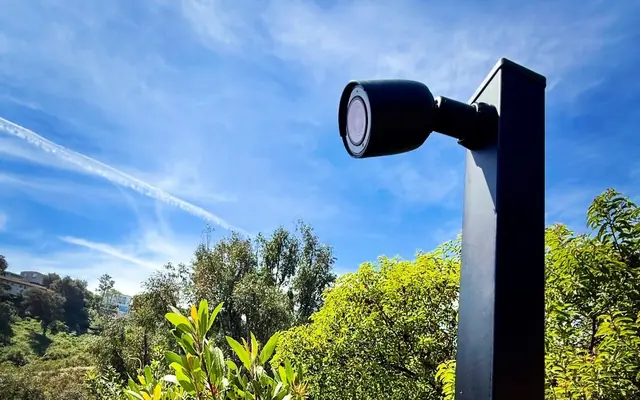
- 4K resolution: Sharper images make faces and license plates easier to identify.
- Analytics: Motion detection and smart detections cut false alarms.
- Night vision: Infrared or color night vision for low light.
- Weather resistance: Outdoor-rated cameras handle rain, dust and temperature swings.
Wired or wireless
Wired cameras have stable connections and steady power, suit large properties with structured cabling, and are harder to interfere with or hack.
Wireless cameras install faster and place flexibly, but they may need batteries or nearby power.
For most commercial spaces in Los Angeles, wired is the more reliable choice.
Storage: cloud or on-site NVR
Cloud storage is accessible from anywhere and scales easily, but has monthly fees.
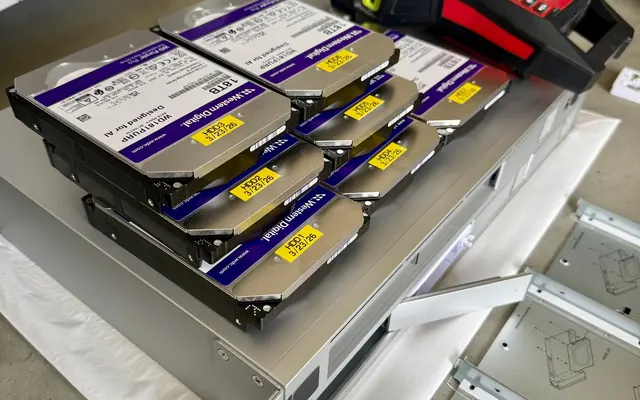
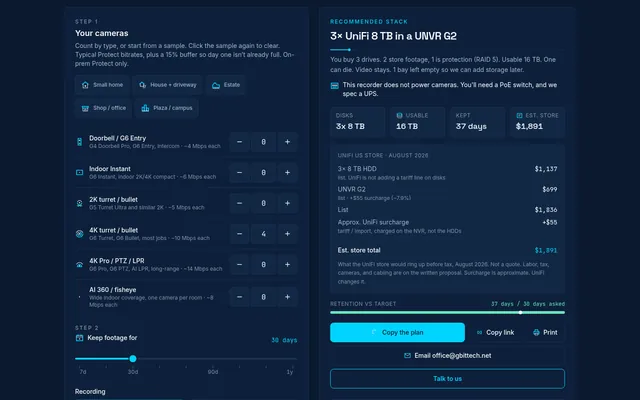
On-site NVR keeps footage local under your control with no ongoing fees, but needs physical security and maintenance.
Businesses with sensitive data or limited internet bandwidth often prefer an on-site NVR. Cloud storage suits those who need remote access above all.
Integration
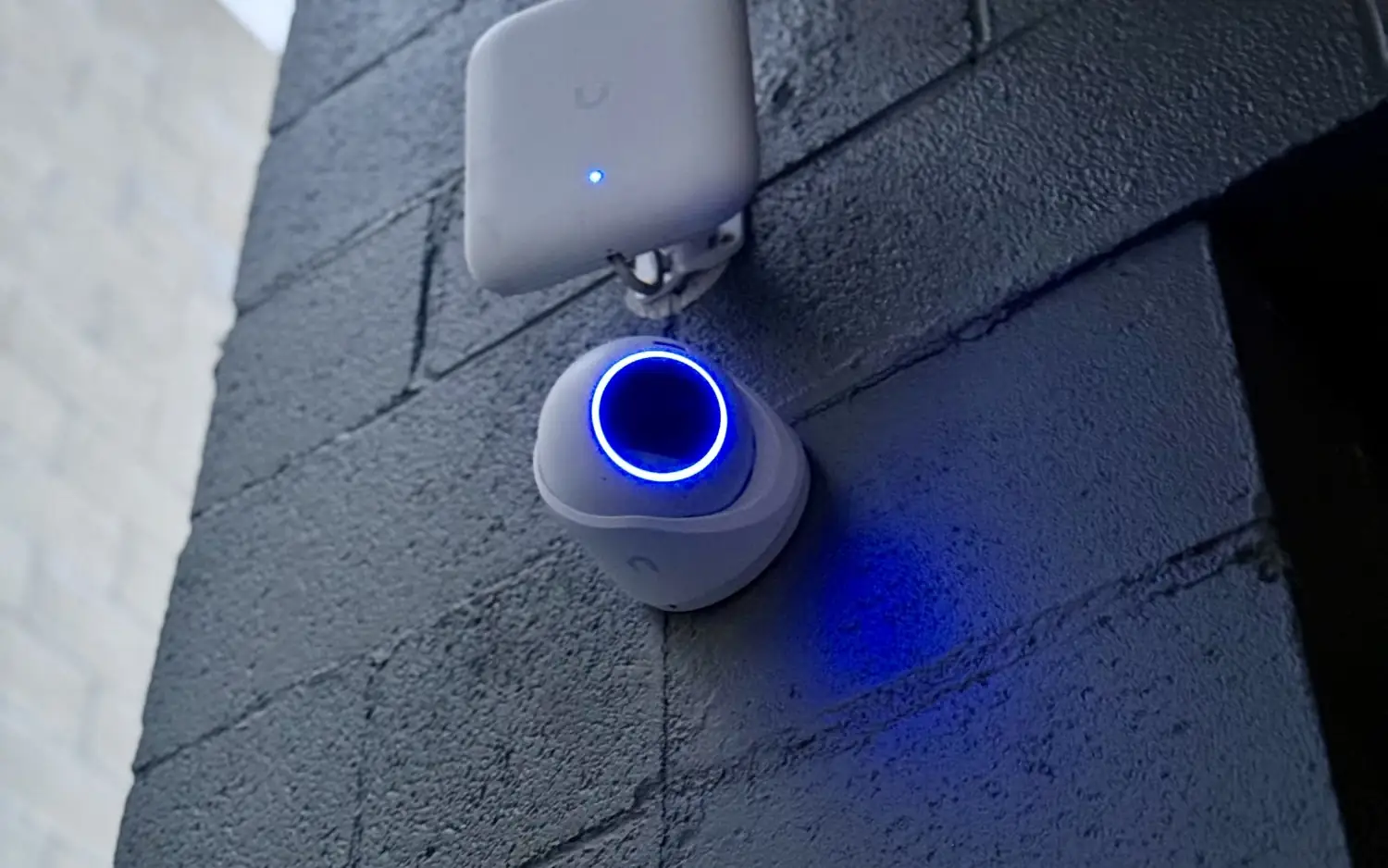
- UniFi Protect cameras: Central management on the same system as your UniFi network, and easy to expand.
- Access control: Cameras with door locks and alarms control who enters.
- Structured cabling: Properly installed network cable gives reliable connections and room to upgrade.
Local rules in Los Angeles County
- Privacy: Do not record private areas such as restrooms or neighboring properties.
- Signage: Check whether your site needs visible notices that people are under surveillance.
- Permits: Check whether your installation needs city or county permits.
A licensed installer will know which apply to your site.
Budget
- Initial cost: Cameras, installation, cabling and storage.
- Maintenance: Regular checks, software updates and repairs.
- Subscriptions: Cloud storage or advanced analytics may carry ongoing fees.
- Growth: Choose a system you can add to instead of replacing.
Spending on a reliable system up front costs less over time.