WiFi 7 is Ubiquiti’s current top tier of WiFi, and the UniFi U7 access points are what we install for it. This post covers what WiFi 7 changes, what the U7 line offers and how we deploy it in Los Angeles homes and businesses.
Dense buildings, concrete and steel, neighboring networks and dozens of devices per household all cause slowdowns and dropped connections, especially at peak hours. WiFi 7 helps with that when the install is done properly.
What WiFi 7 changes
320 MHz channels
WiFi 7 doubles the channel width of WiFi 6, so more data moves at once. That means faster speeds and less congestion with many devices connected.
Multi-Link Operation (MLO)
Devices can use multiple frequency bands at the same time, for example 2.4 GHz and 5 GHz. That improves reliability and cuts delays caused by interference or obstacles.
4K-QAM
A higher modulation scheme packs more information into each signal, which raises data rates for demanding uses like 8K video or AR/VR.
The UniFi U7 series
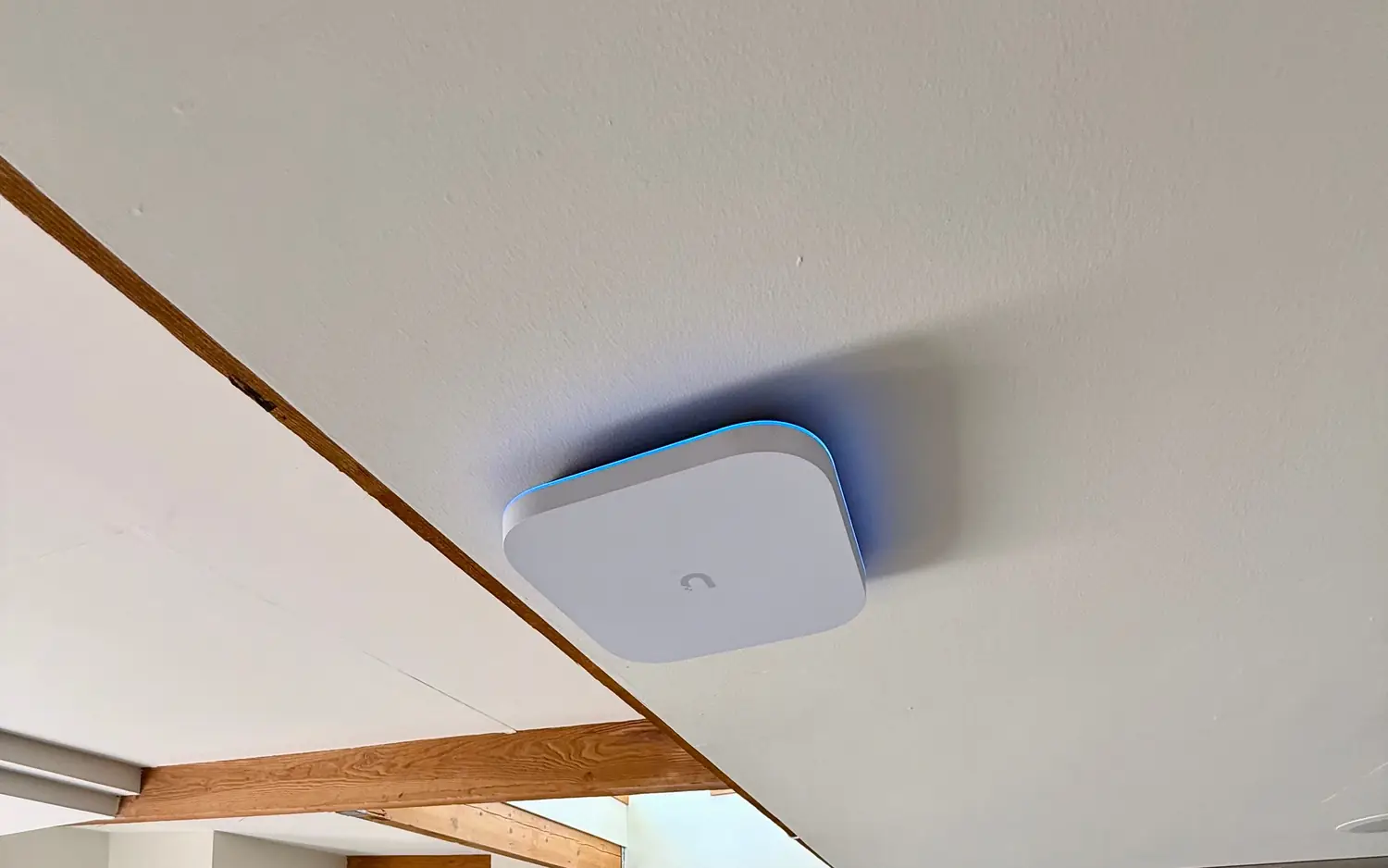
The U7 series is led by the U7 Pro XGS, U7 Pro Wall and U7 Pro Outdoor.
- Tri-band: 2.4 GHz, 5 GHz and 6 GHz at the same time.
- Speed: Up to 10.8 Gbps combined across bands on the U7 Pro.
- Uplink: 2.5 GbE on the U7 Pro, U7 Pro Wall and U7 Pro Max, and 10 GbE on the U7 Pro XG and XGS.
- Clients: 300+ on the U7 Pro and 500+ on the XGS.
- Management: UniFi OS manages the access points from one platform.
What it does for LA properties
- Multi-gigabit speeds for 8K video, AR/VR and heavy IoT traffic
- Better performance in dense buildings such as DTLA high-rises and Glendale offices, with a proper survey for concrete and steel
- Equipment that stays useful as new devices arrive
- Cat6A cabling and PoE++ power, which leave room for faster uplinks later
- Roaming across large spaces such as Burbank studios or multi-level hillside homes
When to upgrade
- WiFi slows down at peak hours or with many devices
- Dead zones or weak signal, especially through thick walls
- New bandwidth-heavy uses like 8K streaming or AR/VR
- Equipment older than WiFi 6 that struggles with today’s device load
- Plans to add more smart devices or expand the network
How we deploy U7 access points
Ekahau site survey. For larger or tricky spaces we can add an Ekahau site survey to find interference, signal strength and the best access point locations. See our Wi-Fi site survey.
Cabling. Cat6A to every access point on new runs, including 2.5G models. It costs more up front, but it leaves room for faster uplinks and higher-power PoE devices later without pulling cable again.
Switch. PoE+ runs the U7 Pro and U7 Pro Wall, and PoE++ runs the U7 Pro XGS.
Placement. We place access points to work around concrete walls and neighboring WiFi networks.
Configuration. UniFi OS handles central monitoring and troubleshooting.
Testing. After installation we check coverage, speed and roaming.
Growth. The design leaves room to add access points later.