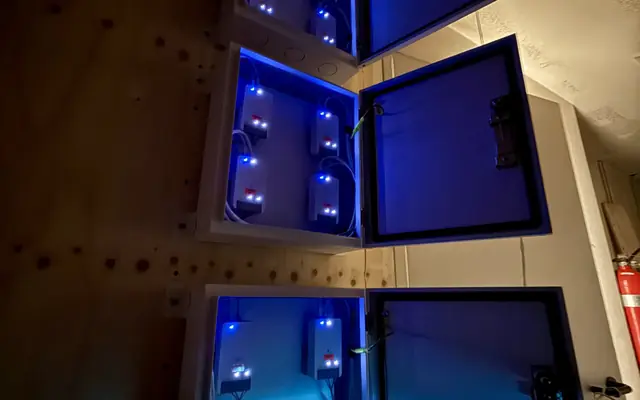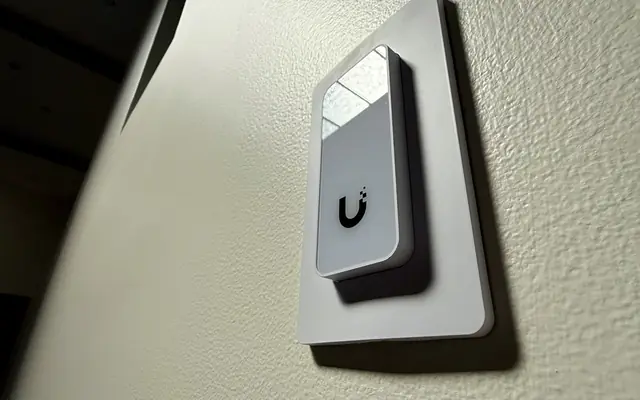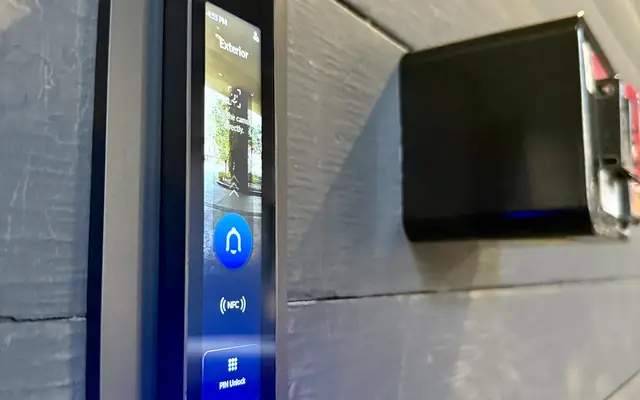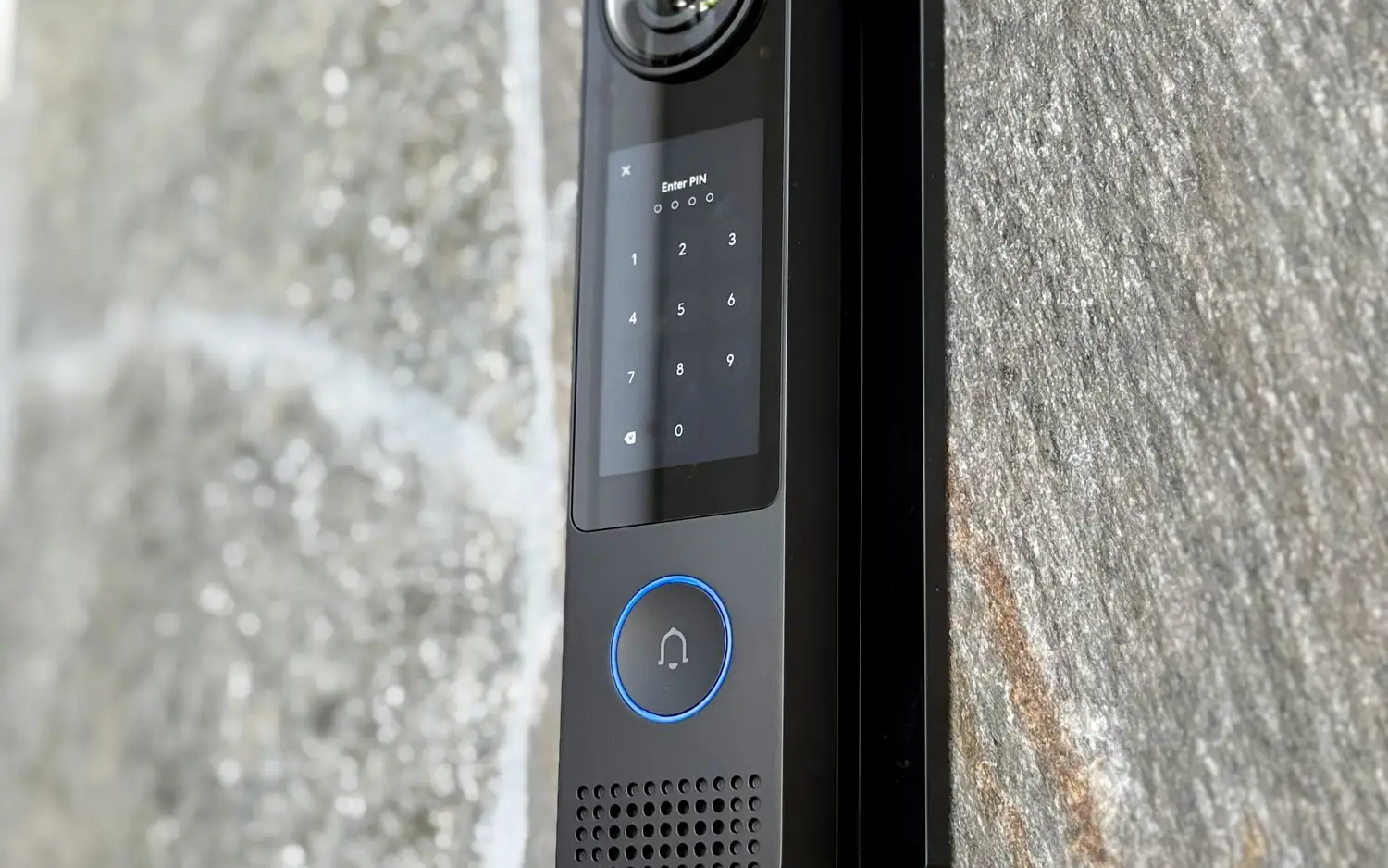
If your gate and front door each have a separate video intercom, there is a simpler setup. Replacing the video intercom with a UniFi G3 Intercom and an Access Gate Hub puts door and gate control in the same UniFi system as your cameras, so you answer the call, see the visitor and open the gate from the same UniFi console.
This post covers what an older video intercom swap to G3 Intercom and Gate Hub involves, what we look at before we quote, and where the surprises usually are. The notes below are how we approach it.
What you gain
The point is consolidation. Instead of one app for the intercom, another for cameras and a remote for the gate, everything runs on one UniFi console. Access and Protect are two applications on that console, so you get:
- Video calls from the intercom to your phone or a desk viewer.
- Unlock for the pedestrian door and the vehicle gate from the same place.
- Camera views of the entry next to the intercom feed.
- Users, schedules and door history in one system that runs on your own console.
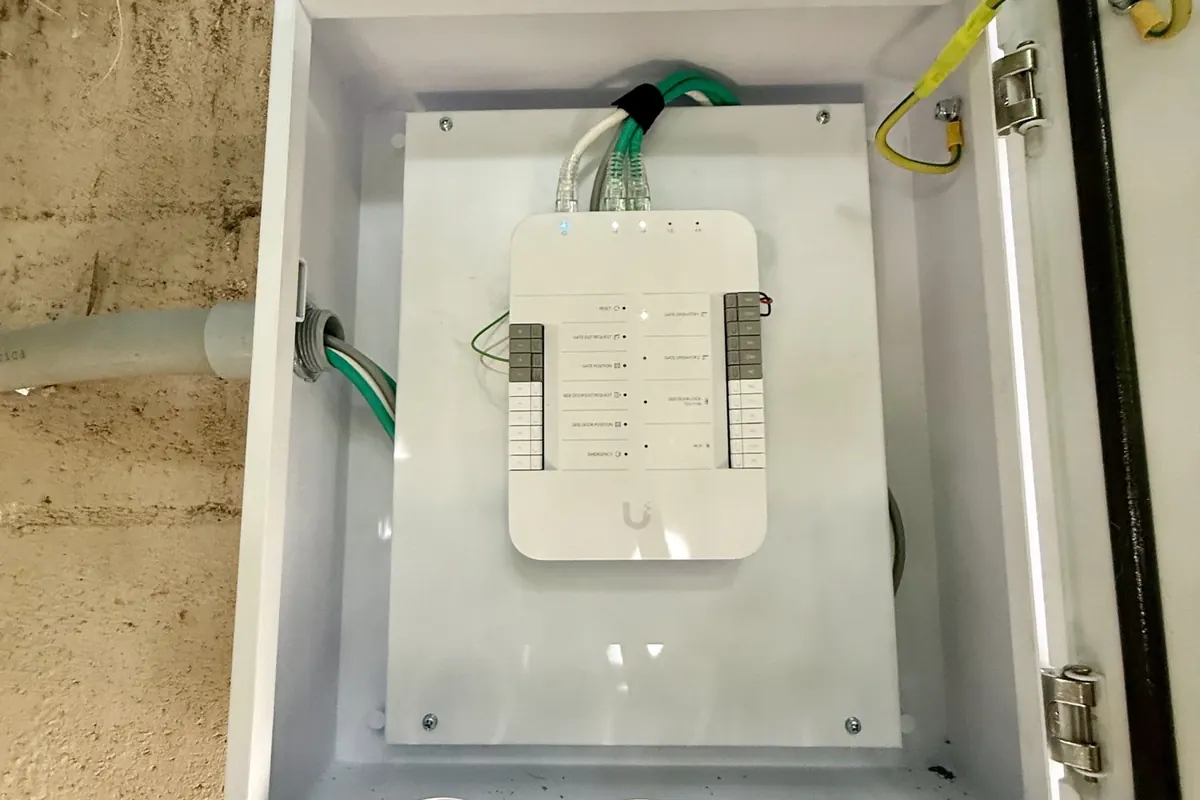
The G3 Intercom is UniFi’s indoor and outdoor intercom terminal. The Gate Hub controls the gate operator through dry-contact outputs and has a 12 V output for a pedestrian side-door lock. One Gate Hub supports one gate and one side door. An Intercom Viewer can sit indoors so someone can answer without a phone.
What stays the same
Most of the physical work is the same as any intercom. There is a call station at the entry, wiring back to a control point, and a signal that tells the gate to open. We usually keep the existing gate operator. The operator is a separate system with its own board, and we tie into its dry-contact input rather than replace it.
That last point matters. Who owns the operator, and who services it, decides where our job ends. If the gate maker or another contractor controls the operator, we automate open and monitor, and leave their hardware theirs. We install UniFi Access intercoms and gate hubs that connect to your existing gate operator. We handle the communications and access automation side only, not the gate board or motor.
What to check before we quote
Every gate is different. Before we plan the swap, we look at:
- Mounting. A wall, a pillar, a pedestal or a gooseneck post. Visitors in cars need a height that works from a window. A new post sometimes makes sense.
- Existing cable. How many conductors reach the entry, what gauge, and whether the run is in conduit. Old low-voltage cable from a previous intercom may or may not be reusable.
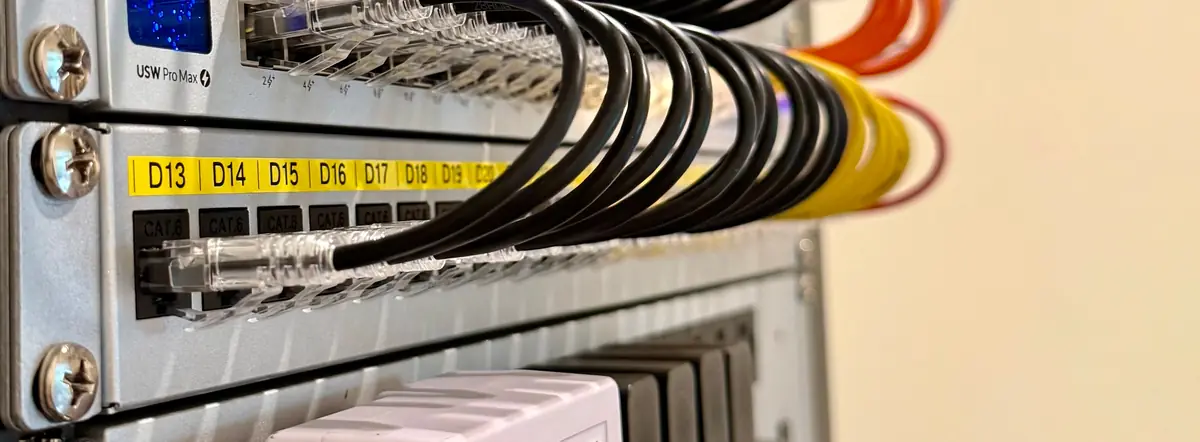
- Power. The G3 Intercom is PoE powered (up to 13 W), so a network run has to reach the entry. Per Ubiquiti, a new unit needs a direct connection to an Access hub’s PoE port for first adoption and the latest firmware update, so we stage that on the bench. To unlock a door or gate, the intercom has to stay connected to the hub. On a switch it can take calls and show live view, but it cannot unlock. The total run from switch to hub to reader stays under 100 m. For long runs, we place the Gate Hub closer to the gate in a weatherproof enclosure, or use a PoE extender (UACC-Extender-2Wire-PoE over existing twisted pair), rather than putting a switch in between.
- Operator inputs. What the gate operator expects for open, free exit and safety.
- The control location. The Gate Hub goes in a protected spot, often indoors near the rack, or in a weatherproof enclosure near the gate when the run is long.
Cable and power
Ubiquiti’s minimum for the intercom run is Cat5e. Pulling Cat6 is our practice. Ubiquiti recommends 18 AWG for hub lock and relay wiring. The gauge we use for a gate operator’s dry-contact input is also our practice, and we match it to what the operator calls for. Where conduit is already in the ground, we use it. Where it is not, we plan pathway before anything else, because trenching and conduit are the largest variables in the job. Trenching may need to be done by others, and we say so up front.
Camera coverage at the gate
An intercom sees a face at close range but not the whole approach. A common add-on is a G6 Pro Bullet, sometimes with a Pro Bullet Enhancer for longer-range night views, on a post that covers the approach and the driveway. The G6 Pro Bullet and the Pro Bullet Enhancer are each listed at 15 W max, so together about 30 W at maximum. We use a PoE+ port with budget to spare. That gives Protect a wide view while the intercom handles the conversation. We confirm the product options at store.ui.com before quoting.
How the install day runs
In our experience, a swap like this is typically a day or two, depending on the gate and the cable run:
- Confirm the network run and power at the entry.
- Mount the G3 Intercom or its plate and connect it.
- Install the Gate Hub, connect the operator’s open input and any exit button or sensors.
- Adopt everything in UniFi Access, add users and set schedules.
- Test the whole chain: call, unlock, free exit and what happens on power loss.
- Walk you through Access and Protect and hand over the admin login.
We test from the car window, since that is how you will use it.
What about the old intercom
We remove the old unit, and a plate or adapter can cover the old cutout cleanly. Wall patching and paint are outside our scope, and we note that in the estimate.
Gate operator types
The Gate Hub works with sliding, swing, barrier and roll-up operators. Ubiquiti recommends an operator with an auto-close timer. If you want License Plate Unlock, it depends on the operator’s UL 325 entrapment protection being wired correctly.
Where this fits in a bigger plan
A new intercom is often the first step in a larger UniFi project: cameras, doors, a network core. Our Access control service covers the whole range. For related reading, see entry management with UniFi Access and modern access control and automation.
We work primarily in UniFi and also service and troubleshoot other systems, so if the gate operator or another part of your entry is not UniFi, that can stay.
FAQ
Can the G3 Intercom open my existing gate?
Usually yes, through the Gate Hub tied to the operator’s open input. We check the operator first.
Do I need a new gate operator?
Normally no. The hub works with the one you have, and we do not install or repair gate operators, boards or motors.
Does it need a monthly fee?
No monthly fee for UniFi Access itself. Ubiquiti describes it as license-free, with no per-door or per-user charge. You need a UniFi console that supports Access. Ubiquiti’s optional cloud tier, UniFi Identity Enterprise, is a paid add-on and is not needed for a single-site setup.
Next step
See a related install, from an old multi-button intercom to a finished pillar with labeled hubs, in Gate and Intercom Upgrade with UniFi Access. Request an estimate. If you want cameras on the approach too, sketch your lot in Sight for a ballpark, or contact us and describe the gate you have now.