Commercial properties in Los Angeles have high traffic, many tenants and valuable assets. Access control combined with door and gate access automation controls who gets in and keeps a record of it. This post covers how these systems work, how they tie into UniFi Protect, the common keyless options, and how we connect UniFi Access to an existing gate.
How access control works
Access control decides who can enter a property or a specific area. Electronic systems have replaced most lock-and-key methods because they track and adjust access more easily.
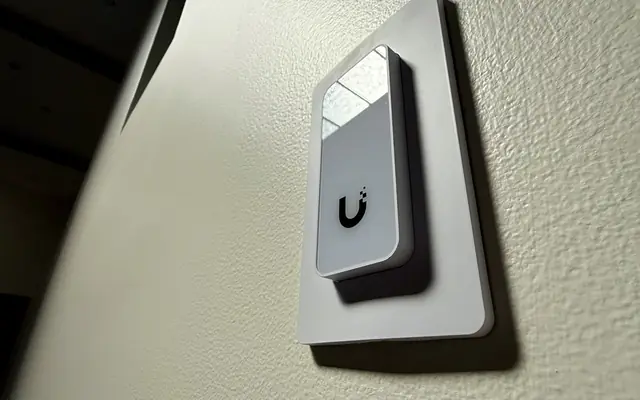
Users present a credential, such as a key card, fob, mobile credential or PIN, at a reader. The system checks it against a database and grants or denies access. It can run standalone or tie in with cameras and alarms.
A commercial system often includes:
- Gate access control for vehicle entry
- Door automation for pedestrian access
- Remote management through apps or web portals
- Audit trails of access events
Integration with UniFi Protect
UniFi Protect is a video platform with no subscription. Linking it to access control lets managers match video with access events:
- Video verification of access attempts
- One place to manage cameras and access points
- No recurring fees for software or cloud storage
- Local storage for privacy and control
When a visitor uses a keypad or mobile app, for example, the system can bring up the matching video feed so security can verify who it is quickly.
Keyless entry options
Keyless entry removes lost and copied keys and simplifies access management.
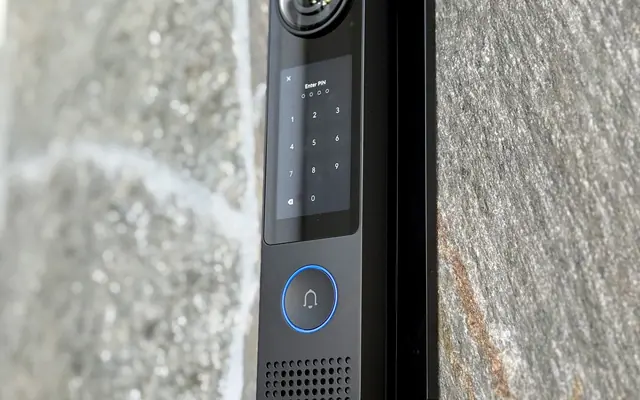
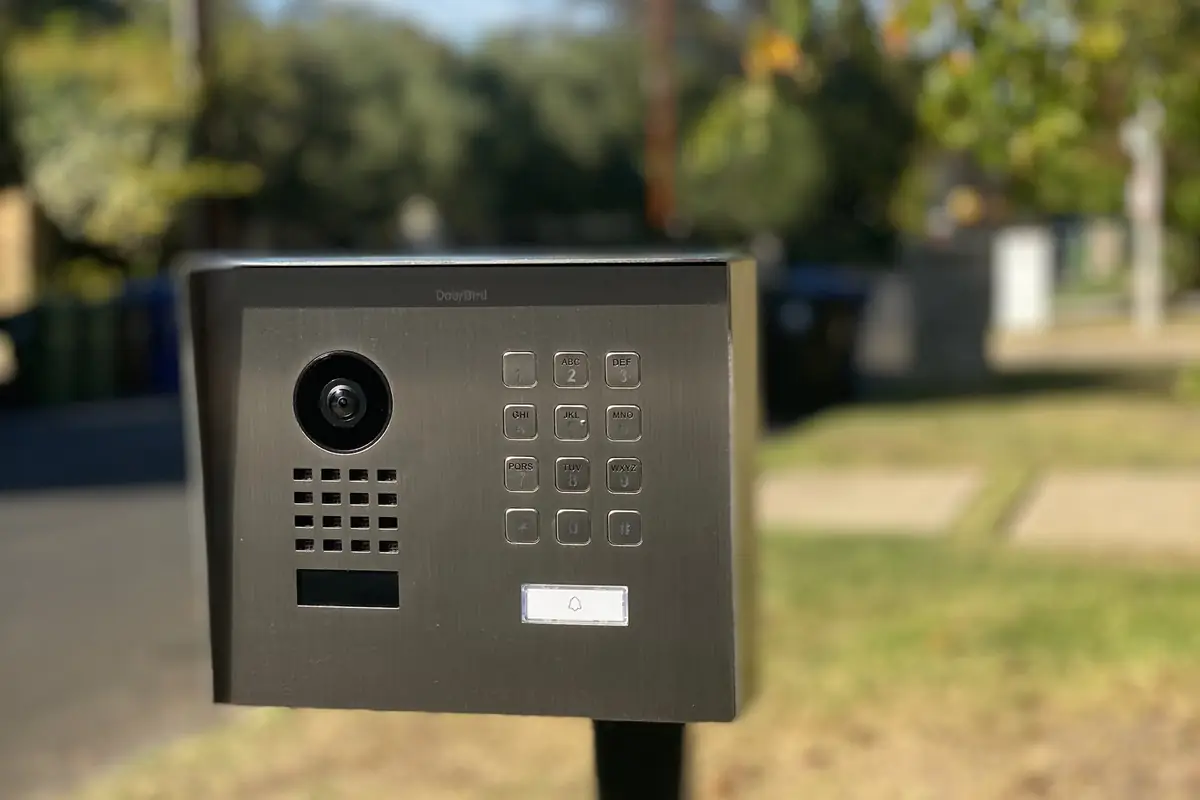
- Keypads: Users enter a PIN. Codes can be changed remotely and assigned to specific users.
- Mobile apps: A smartphone acts as the credential over Bluetooth or NFC. Apps can also send notifications and unlock remotely.
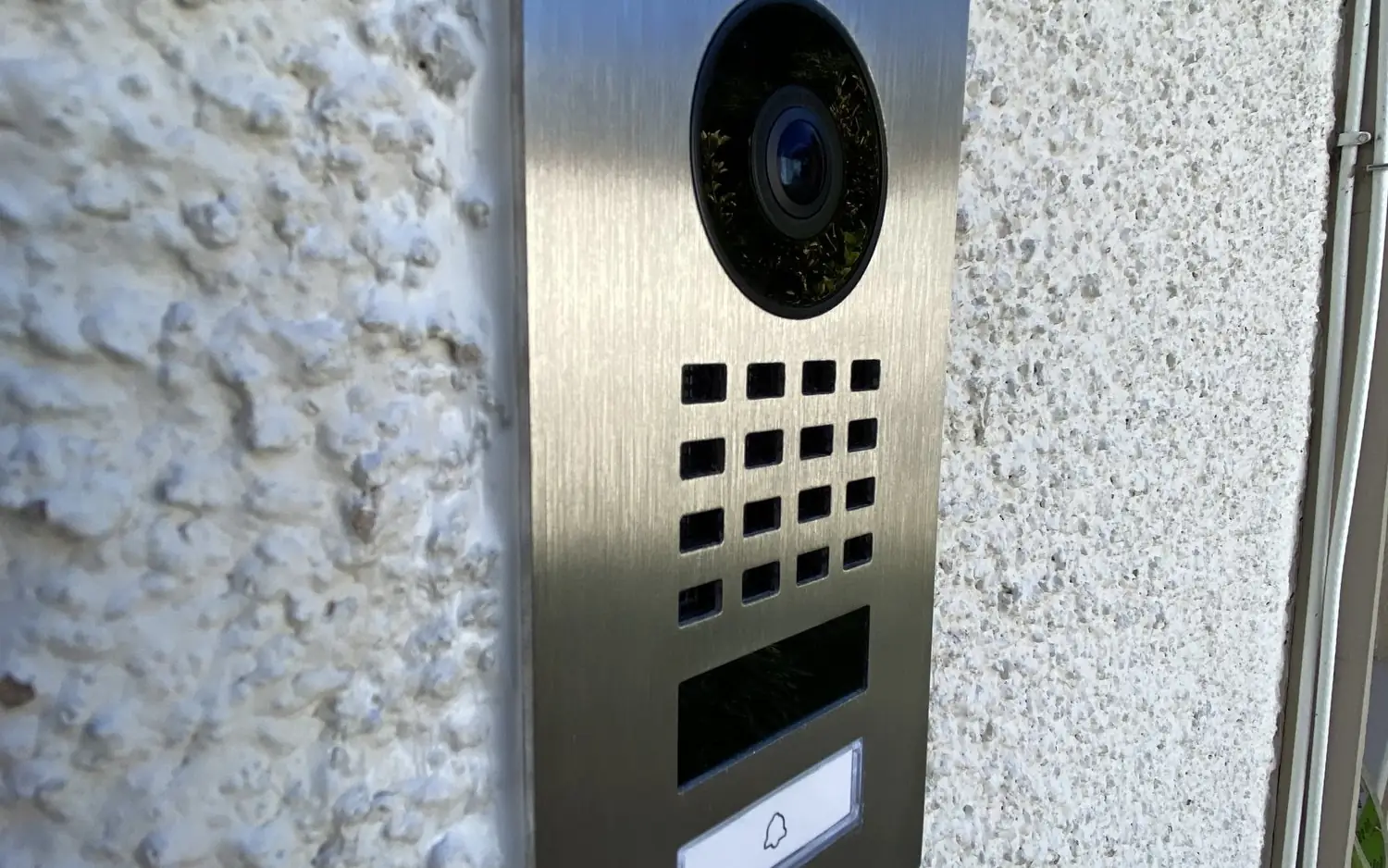
- Intercoms: Visitors talk to security or tenants before being let in. Modern intercoms often include video and mobile integration.
Keypads are inexpensive and easy to install. Mobile apps add convenience. Intercoms add a person checking who is at the door, which helps with visitors.
Automation benefits
- Traffic flow: Gates can open quickly for authorized vehicles.
- Remote access: Grant or revoke access without being on-site.
- Safety: Automation can include sensors to prevent accidents.
- Energy: Automated doors close promptly, reducing heating and cooling loss.
- Reporting: Every access event is logged for compliance and investigations.
Security features to look for
- Encryption between devices and control panels
- Multi-factor authentication combining PINs, biometrics or mobile credentials
- Tamper detection that alerts if someone tries to bypass or damage the system
- Fail-safe modes so doors and gates release safely in a power outage or emergency
- User management with different access levels and schedules for employees, contractors and visitors
Types of systems
Keypads
Simple and affordable. They work for employee entrances, parking gates and delivery areas. Codes can be temporary or permanent, and some systems support multiple codes with different rights.
Mobile apps
Users unlock a door or gate with a tap, and you can add or remove users instantly.
Intercoms
Visitors request entry, and security or tenants verify who it is before unlocking. Video intercoms show who is at the entrance.
Gate access with Gbit Tech
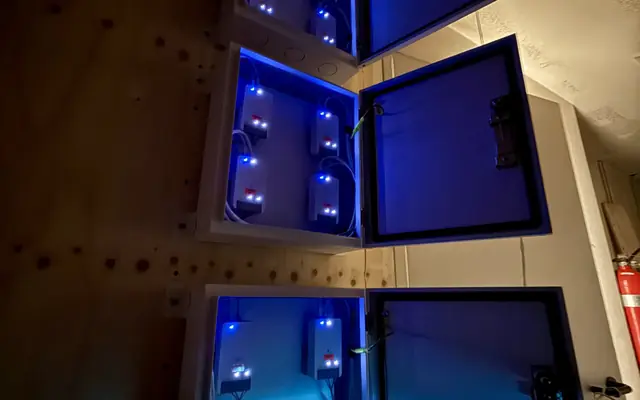
We install UniFi Access intercoms and gate hubs that connect to your existing gate operator. We handle the communications and access automation side only, not the gate board or motor. Your gate company keeps the operator. We:
- Design the access side around your property
- Integrate with existing security systems, including UniFi Protect
- Install and support the UniFi Access intercoms, hubs and readers
To discuss a property, call (818) 809-6743 or email [email protected].