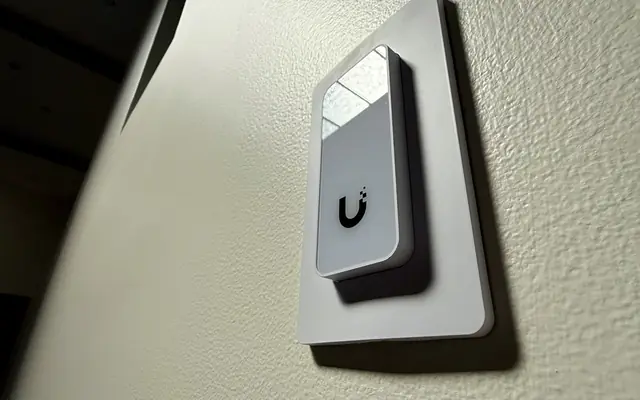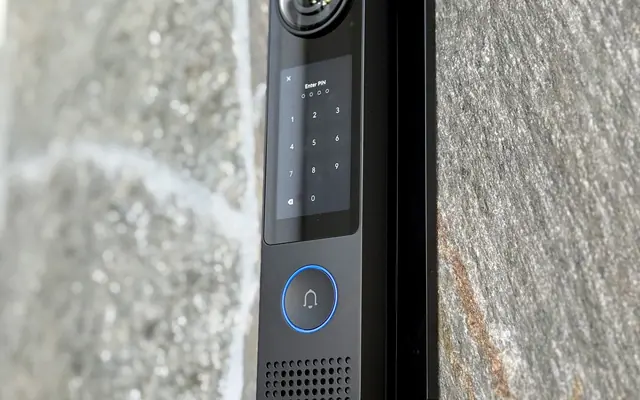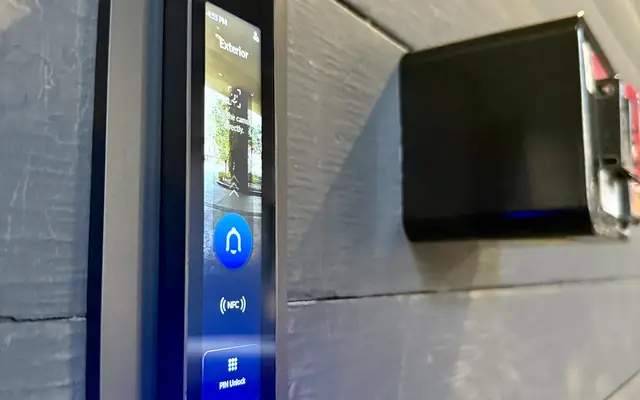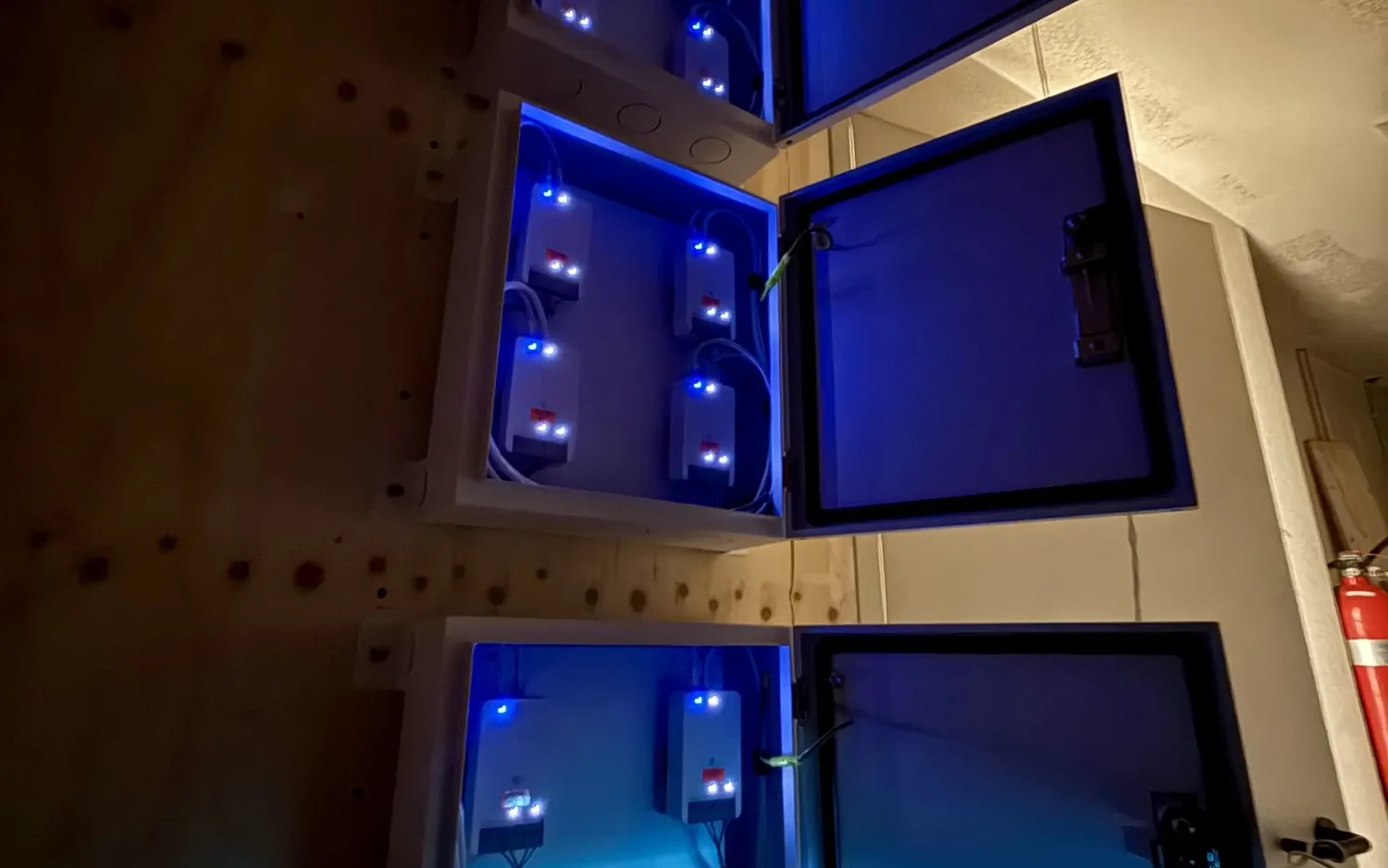
A UniFi Access system is not just a keypad on a post. It is a small stack: a hub, a reader or intercom, a lock or gate operator, and two different kinds of cable. This note explains how those pieces connect, using Ubiquiti’s own documentation for every spec.
We work primarily in UniFi, and we also service other access systems. Everything below is about UniFi Access.
The parts
Ubiquiti describes the Access hub as the broker between door locks and the Access readers people use. Hubs come in types for doors, gates and elevators, and you can mix them in one system. The ones we use most:
| Part | What Ubiquiti lists |
|---|---|
| Door Hub | Single door. Four PoE ports for readers and cameras. Powered by PoE++. |
| Door Hub Mini | Compact single door with basic inputs: request to exit and a door position sensor. Two PoE ports for readers and cameras. Powered by PoE++. |
| Gate Hub | One gate and one pedestrian side door. Four PoE ports for readers and cameras. Powered by PoE++. |
| Intercom | One gigabit RJ45 port, powered by PoE, 13 W maximum. Wall mount, or an adapter for a gooseneck pedestal. |
Two kinds of cable
Think of two separate jobs that often share a path.
Network cable: data and power
Hubs, readers and the intercom connect on network cable. Readers and cameras plug into the hub’s PoE ports, and the hub itself takes PoE++ from a switch. Ubiquiti lists Cat 5e as the minimum category for these PoE runs. On new work we pull CAT6 or CAT6A to match our cabling standard, labeled at both ends and tested.
One distance rule matters. Ubiquiti gives 100 meters as the maximum from hub to reader. When the hub is powered by a switch over PoE+ or PoE++, the total from the switch to the hub plus the hub to the reader must stay within 100 meters.
Low voltage wire: locks and accessories
Locks, door position sensors and request-to-exit buttons connect to the hub’s terminals with low voltage wire, not network cable. Ubiquiti recommends 18 AWG, because thicker wire supports longer distances, and suggests its Door Lock Relay Cable (UACC-Cable-DoorLockRelay), a one or two pair cable on a 500 foot spool. The one pair version carries a lock on two 18 AWG conductors. The two pair version adds two 22 AWG conductors for a door position sensor.
Length matters because of voltage drop. Ubiquiti’s example: its electric lock runs on 12 V (range 8 to 15 V), and too much cable can drop the voltage enough that the lock stops working. Each hub’s tech spec page lists recommended maximum lengths by lock type and wire gauge. For the Gate Hub, for a lock that draws 1 A, Ubiquiti lists 9 m on 24 AWG wire and 36 m on the 18 AWG relay cable. That is the reason we do not reuse thin leftover wire for locks.
Where the hub goes
Ubiquiti says a hub can sit near the door or in a central location. The trade-offs, in Ubiquiti’s words:
- Near the door: shorter lock wiring, but an enclosure is recommended to prevent tampering, and the cost can rise because each door needs its own hub.
- Central location: hubs are consolidated for easier maintenance, but cable runs are longer, which brings the voltage drop risk above.
Ubiquiti lists the Door Hub and Door Hub Mini under either placement, and lists the Gate Hub under near the door only. The Gate Hub ships with a DIN rail mount. Ubiquiti lists the device itself as indoor only, and says it can go outdoors in a waterproof junction box. We decide on the site walk, based on the distance to the lock and how reachable the pathway is.
Gate wiring
The Gate Hub handles one gate and one side door. Ubiquiti lists its inputs as gate exit request, gate position, side door exit request, side door position and emergency. Its outputs are two operator relays and one auxiliary relay, all dry contacts, plus a powered 12 V output for the side door lock, up to 1 A.
“Dry” matters. A dry relay only closes a circuit. It does not supply power, so the gate operator or accessory is powered separately. Ubiquiti states the auxiliary terminal on the Gate Hub is dry and must be powered by an external supply.
Ubiquiti’s general guide to typical device connections, which it writes with the Door Hub as the example and notes is based on experience and may vary by device manufacturer:
| Device | Typical connection |
|---|---|
| Fail-safe electric lock | NC and COM on the lock terminal |
| Fail-secure electric lock | NO and COM on the lock terminal |
| Door operator | NO and COM on the operator terminal |
| Door position sensor | Typically NC |
| Push-to-exit button | Usually selectable, NO or NC |
For the gate position input, Ubiquiti suggests Open Active (NC) for most scenarios. On the Door Hub, a lock that does not run on 12 V, such as a 24 V strike, connects to the unpowered (dry) lock terminal and needs an external transformer.
License plate unlock is available on the Gate Hub when it is paired with UniFi Protect AI cameras. Ubiquiti also describes Gate Hub support for its 2-wire PoE extender technology, which sends Ethernet over existing twisted pair cable, so a long run may not need new cable. We confirm that on site before we promise it.
What we confirm on the site walk
- The type of gate operator and how it expects to be triggered.
- The lock type, its voltage and its current draw.
- Distances from hub to lock and from switch to hub.
- Where the hub, switch and power will live, and whether the pathway can take another cable.
For the door hardware side, see our notes on electric strikes with existing door hardware and on replacing a gate intercom.
FAQ
Can the hub be powered from a switch?
Yes. Ubiquiti lists PoE++ as the power method for the Door Hub, Door Hub Mini and Gate Hub.
How far can a reader be from the hub?
Ubiquiti gives 100 meters as the maximum cable length from hub to reader, with the combined switch-to-hub and hub-to-reader length also kept within 100 meters when the switch powers the hub.
What wire do locks use?
Ubiquiti recommends 18 AWG, and its Door Lock Relay Cable for best compatibility. Check the recommended length for your lock on the hub’s tech spec page.
Does the hub have to be outdoors at a gate?
It depends on the hub. Ubiquiti allows the Door Hub and Door Hub Mini near the door or in a central location. It lists the Gate Hub for near-the-door placement, and the device is indoor only unless it is placed in a waterproof junction box. Where it goes depends on the site.
Get a plan
Request an estimate. Tell us about the entries you use and we will map the hubs, readers and cable to them. See our access control installation page, or contact us.
Sources
- Choosing a UniFi Access Control Hub, Ubiquiti Help Center
- Understanding UniFi Access Control Hub Input and Output Terminals, Ubiquiti Help Center
- Introducing UniFi Access Gate Hub, Ubiquiti Help Center
- Configuring UniFi Access Gate Hub Terminals, Ubiquiti Help Center
- UniFi Gate Hub tech specs
- UniFi Intercom tech specs