Slow connections during video calls and spotty WiFi in a restaurant or store cost businesses time and customers. Here are seven common WiFi problems in commercial buildings around Pasadena and greater Los Angeles, and how to fix each one. If you need commercial WiFi installation in Los Angeles, this will also help you decide when to call a professional like Gbit Tech.
1. Dead zones and poor coverage
Dead zones are areas where the signal barely reaches, so devices lose connection or slow down. They often show up in large offices, warehouses and buildings with complex layouts.
Causes:
- Thick walls or metal structures
- Poor access point placement
- Too few access points for the space
Fixes:
- Run a professional Wi-Fi site survey to map signal strength
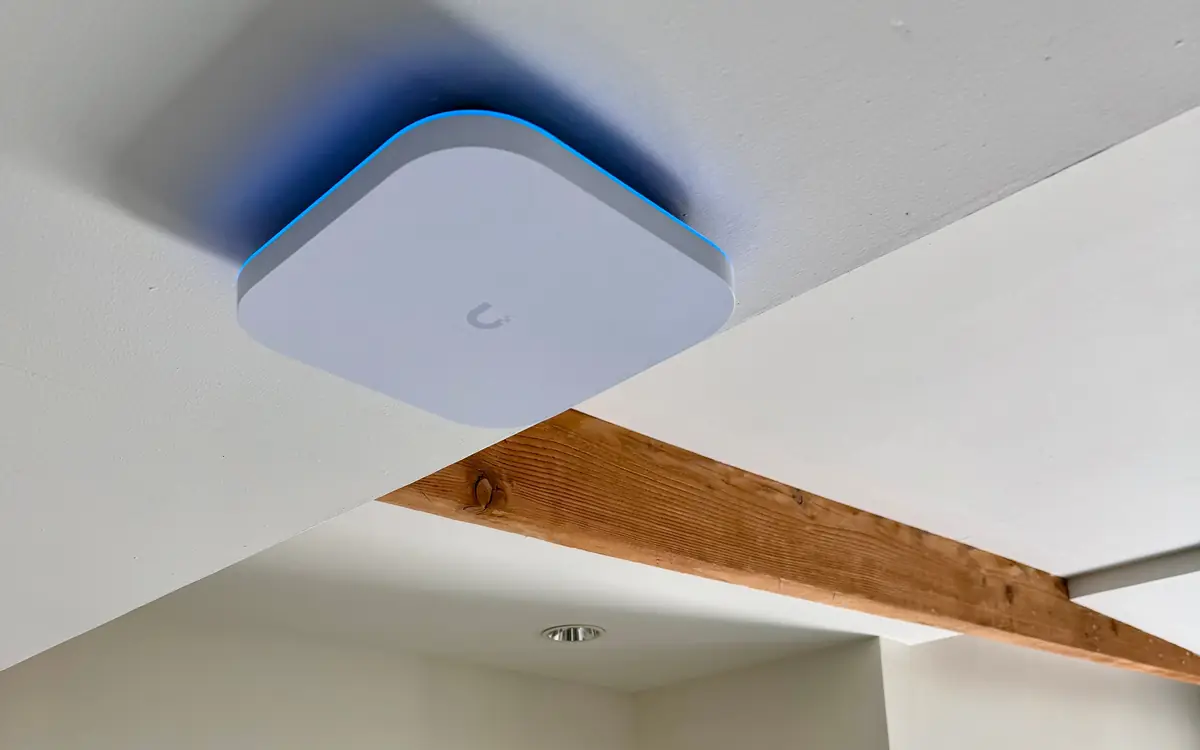
- Use UniFi access points to scale coverage
- Place access points away from obstructions
- Add access points to cover large or divided areas
2. Interference from walls, appliances and neighbors
Building materials and other electronics weaken WiFi, and nearby networks add congestion, especially in dense areas of Los Angeles.
Causes:
- Concrete, brick or metal walls
- Microwaves, cordless phones or Bluetooth devices
- Overlapping channels from neighboring businesses
Fixes:
- Use the 5 GHz band to avoid common interference
- Move access points away from appliances and thick walls
- Run a wireless site survey to find interference sources
- Move to less congested channels with UniFi’s management tools
3. Too many devices on the network
Modern offices have dozens or hundreds of devices connected at once. Without proper design, that causes slowdowns and dropped connections.
Causes:
- Too many devices on one access point
- No bandwidth management
- Guest networks not separated from business devices
Fixes:
- Separate guest and business networks
- Use UniFi load balancing features
- Add bandwidth and access points
- Monitor usage and limit bandwidth for non-essential devices
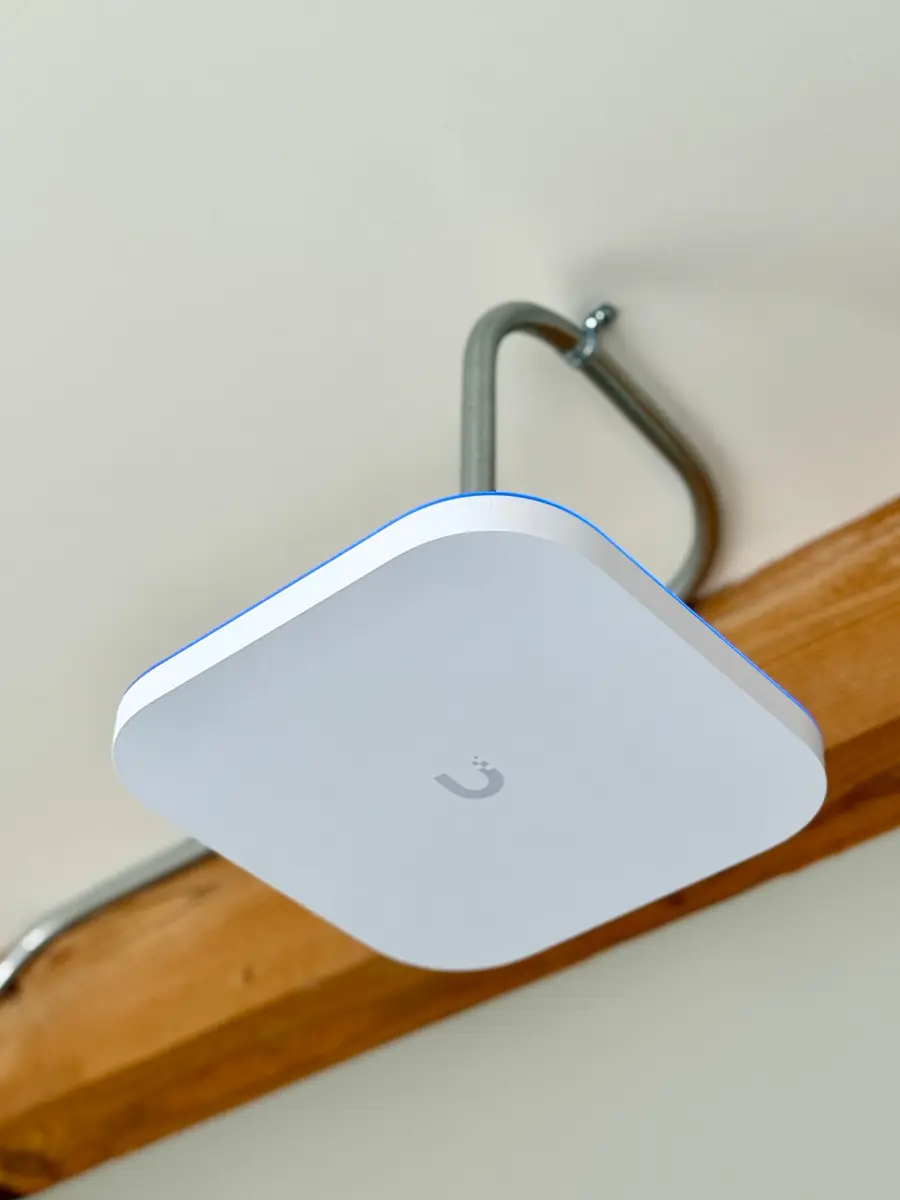
4. Outdated or misconfigured routers and access points
Old or poorly configured hardware limits WiFi performance. Firmware often goes without updates and settings are not tuned to the environment.
Causes:
- Consumer-grade routers in a commercial setting
- Firmware that has not been updated
- Incorrect security or network settings
Fixes:
- Replace them with commercial-grade routers and access points
- Update firmware regularly
- Set up the configuration for the environment
- Use a professional installer for complex setups
5. Wrong channel selection
Crowded channels cause interference and slower connections.
Causes:
- Default channel settings left unchanged
- Several nearby networks on the same channel
- No channel monitoring
Fixes:
- Scan for the best channels
- Use UniFi, which can manage channels automatically
- Review channel settings regularly
- Ask staff to keep personal devices from interfering
6. Weak security
Open or weakly secured WiFi exposes a business to hacking, data theft and unauthorized access.
Causes:
- Outdated encryption such as WEP
- Open networks
- Poor password management
Fixes:
- Use WPA3 where possible
- Set strong, unique passwords on every network
- Keep guest and internal networks separate
- Audit security settings regularly
7. Cabling problems
WiFi depends on the wired network behind it. Faulty or outdated cabling causes intermittent connectivity and slow speeds.
Causes:
- Damaged or low-quality cable
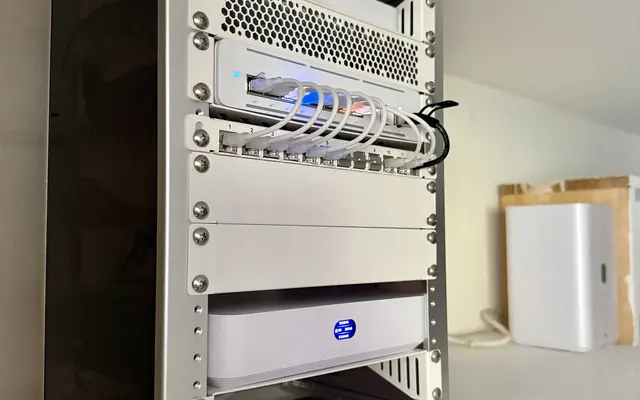
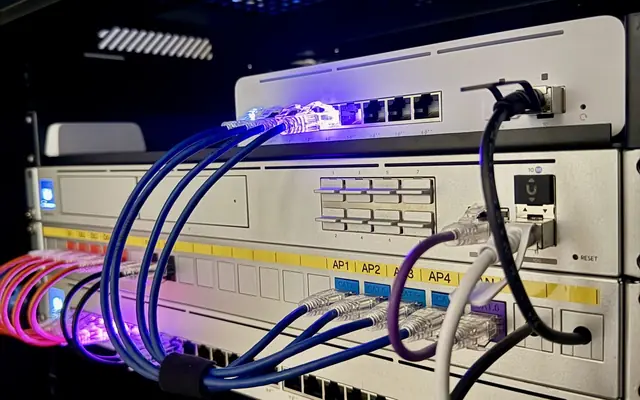
- Poor installation or cable management
- Cable that cannot support current speeds, for example Cat5 on a network that needs Cat6
Fixes:
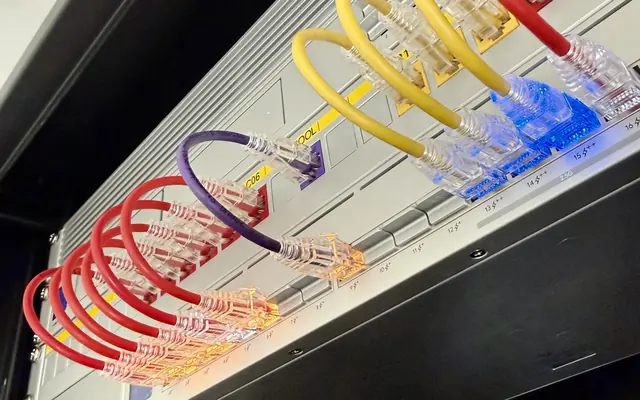
- Inspect and upgrade structured cabling
- Use tested cable and professional installation
- Plan cable routes to avoid interference and damage
- Combine cabling upgrades with WiFi installation
When to call
Most of these problems come down to equipment, placement and configuration for the building. If you want help, call (818) 809-6743 or email [email protected].