Structured cabling is the cable system behind a commercial building’s network. This post explains what it is, what it includes, why it pays off in Los Angeles offices, hotels and studios, and what to watch for when planning and installing it.
What structured cabling is
Structured cabling is a standardized way to design and install cabling for data, voice and video. Instead of point-to-point runs added one at a time, it uses organized cables, connectors and pathways that tie back to a central point. That makes the network easier to manage, upgrade and troubleshoot, and it follows industry standards so equipment from different manufacturers works together.
The main parts
Horizontal cabling
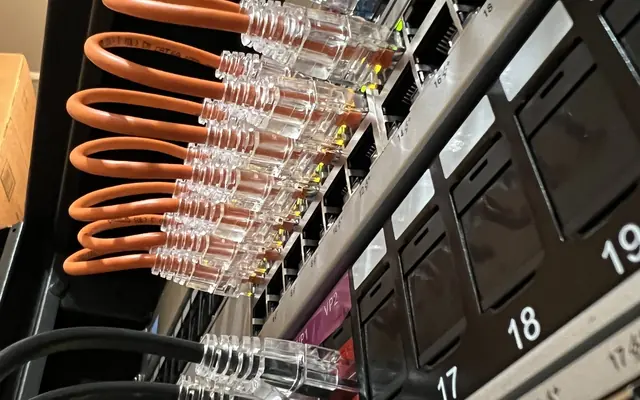
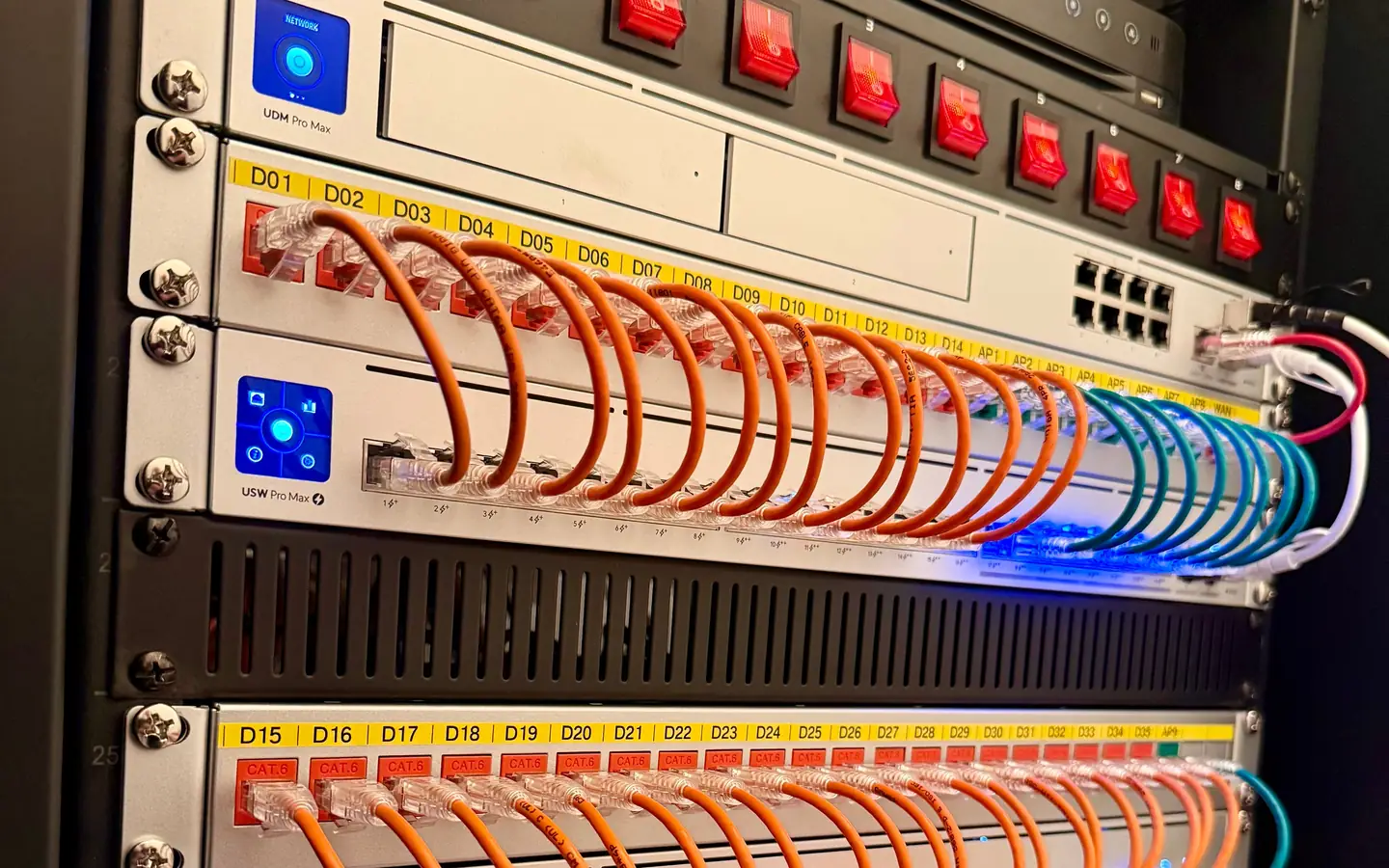
Runs from the telecommunications room to workstations and devices. On new runs we use CAT6A for data drops and Wi-Fi access points, and CAT6 for cameras.
Backbone cabling
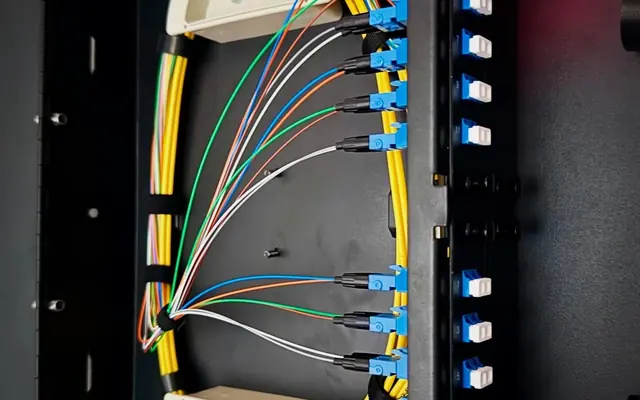
Connects floors, telecom rooms and equipment rooms. Fiber is often used here for long distances and high bandwidth.
Telecommunications rooms
The spaces where network equipment, patch panels and cable terminations live. They need room to work in.
Equipment rooms and entrance facilities
Where the main network equipment sits and where outside service providers come into the building.
Why it pays off
- Growth: New devices can be added without rewiring.
- Fewer upgrades: CAT6 and CAT6A copper and fiber support current equipment and what comes next.
- Performance: Properly installed and terminated cable gives a cleaner signal and more reliable connections.
- Easier maintenance: Labels and a standard layout make troubleshooting faster.
- Cost over time: Installation can cost more up front, but maintenance and upgrades cost less later.
Standards
Structured cabling follows standards from the Telecommunications Industry Association (TIA). They keep performance consistent, keep equipment from different manufacturers compatible and set safe practices. TIA/EIA-568, for example, defines wiring schemes and cable types.
Who needs it in Los Angeles
- Offices: Cloud applications, video calls and VoIP phones need fast, stable connections.
- Hotels: Guest WiFi and wired internet for a lot of users at once.
- Studios and production facilities: Large media files that need to move quickly.
Planning a system
- Assess needs: Count users, device types and bandwidth requirements.
- Lay it out: Map telecom rooms, cable pathways and outlet locations.
- Choose materials: CAT6A for data drops and access points, CAT6 for cameras, and fiber where it makes sense.
- Follow codes and standards: LA building codes and TIA standards.
- Plan for growth: Leave spare capacity.
Installation practices
- Hire a licensed contractor who knows local requirements.
- Keep cable organized with trays and labels.
- Test every cable to verify performance.
- Keep data cable away from electrical wiring to reduce noise.
- Document routes and connections for the next person.
Common mistakes
- Skipping the planning, which leads to expensive fixes later
- Cheap cable that causes signal loss and failures
- Ignoring standards, which causes compatibility problems
- Cramming too much into a telecom room, which makes maintenance hard
- Not testing cable
Working with Gbit Tech
Gbit Tech LLC is a licensed C-7 contractor doing copper and fiber installations. Request an estimate. We label our work and test every run. Call (818) 809-6743 or email [email protected].