Small businesses in Los Angeles, from DTLA startups to production studios in Burbank and offices in Pasadena, depend on low voltage cabling. AI tools, cloud services and IoT devices all put more load on the network. This guide covers what low voltage cabling is, what is changing in 2026, how to get it installed properly and what to avoid.
What low voltage cabling is
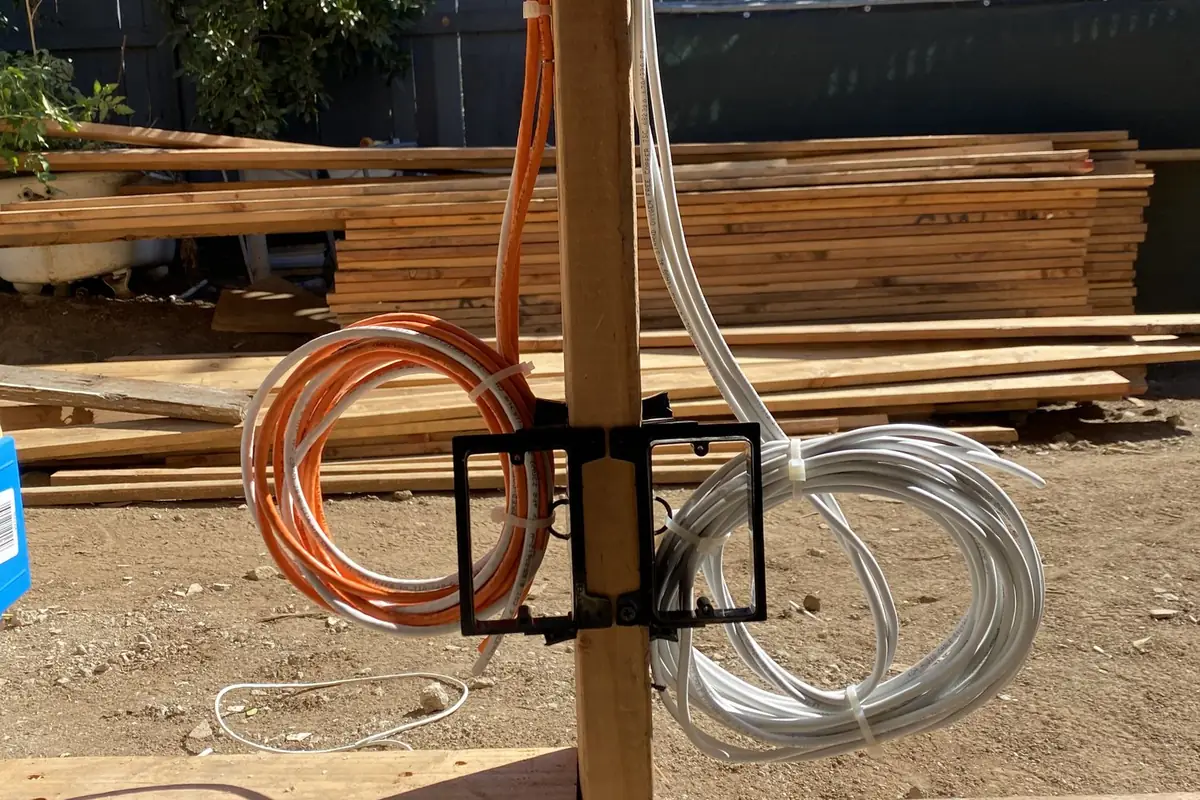
Low voltage cabling carries data, voice, video and control signals at lower voltages than power cable. That includes Cat6 and Cat6A Ethernet, fiber optic cable and coax. It connects computers, phones, security cameras, WiFi access points and access control systems.
Businesses in Los Angeles now need to support:
- AI-powered applications that need fast, stable data transfer
- Cloud services for storage and collaboration
- High-speed internet for remote and hybrid staff
- IoT devices like smart locks, sensors and cameras
A planned cabling system handles that load without downtime or slow connections.
What is changing in 2026
10GbE and faster
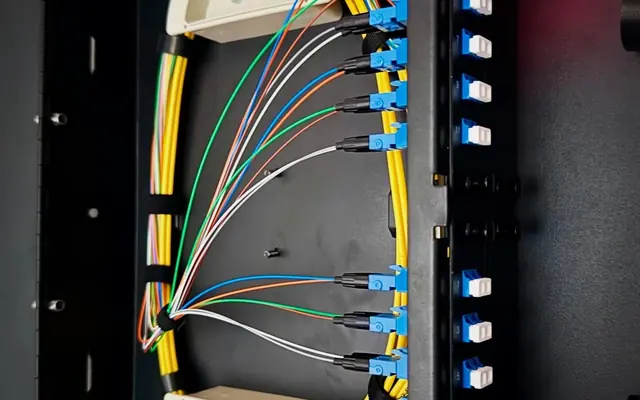
Demand for 10 Gigabit Ethernet (10GbE) and faster is growing. Cat6A supports 10GbE up to 100 meters, and fiber goes faster and farther. That matters for production studios and multi-tenant office buildings.
WiFi 7 and newer access points
Cabling has to support the latest WiFi standards. Ubiquiti UniFi access points connect over copper Ethernet: Cat6 handles 2.5G access points, and Cat6A is the better choice for 10G access points and longer runs. Fiber is typically used for uplinks between switches and buildings.
Smart building systems
Cabling now carries the control systems for lighting, HVAC, security and access. Fiber helps carry high data loads between spaces.
Benefits for small businesses
- Lower long-term cost: Durable cable means less maintenance and replacement, and proper installation avoids repeat repairs.
- Less downtime: Reliable cabling means fewer dropped connections during working hours.
- Room to grow: Structured cabling lets you add cameras or access points without rewiring.
- Camera storage: Stable wired connections let you record to on-premise storage instead of paying monthly cloud fees.
- WiFi coverage: Offices, studios and homes get a wired backbone behind the wireless.
Installation steps
- Survey the site. Check the building layout, existing infrastructure and device locations, and plan cable routes around interference sources.
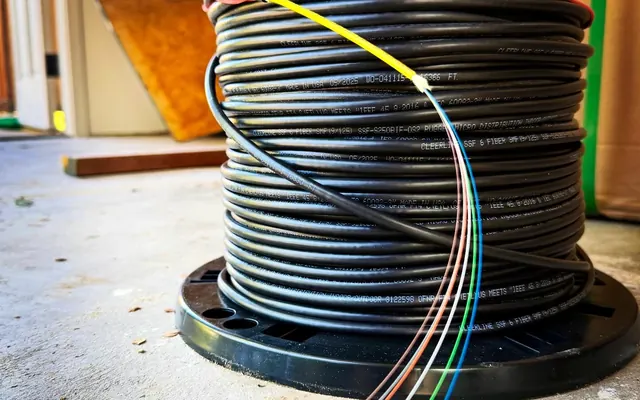
- Choose the cable. Cat6A for data drops and Wi-Fi access points (10GbE up to 100 meters) and Cat6 for cameras on new runs. Use fiber for longer distances or higher speeds.
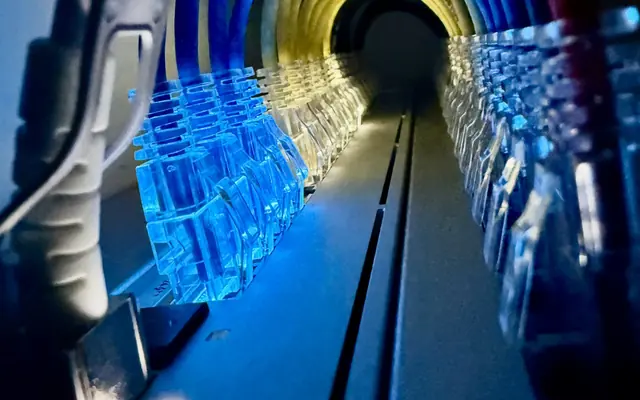
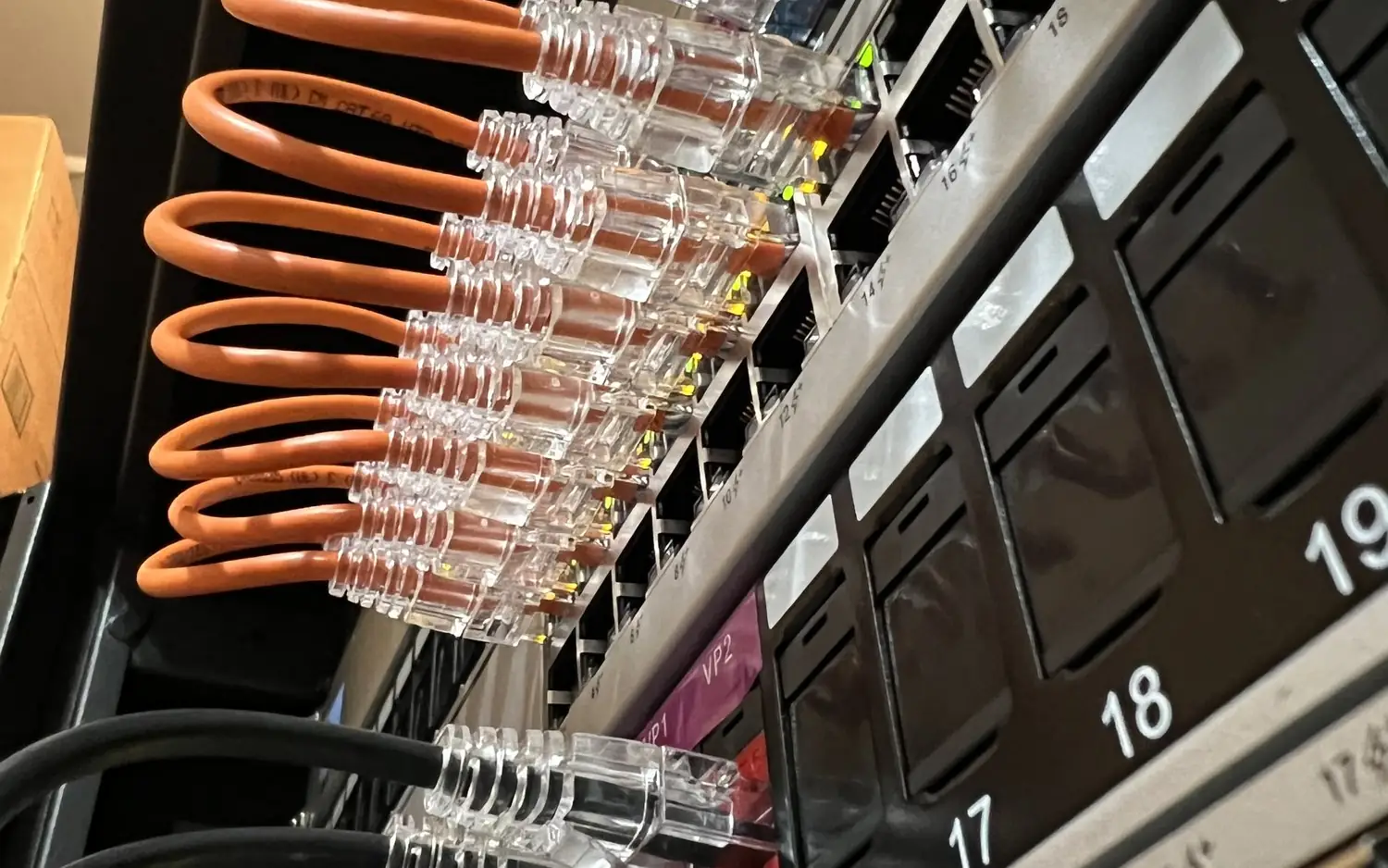
- Plan cable management. Use trays, labels and patch panels to keep wiring accessible for troubleshooting and upgrades.
- Coordinate with UniFi. Plan the cabling around the WiFi access points and network switches.
- Follow local codes. Los Angeles regulations cover fire safety, conduit use and cable placement.
- Skip the DIY. Amateur wiring often leads to signal loss, interference and code violations. A professional terminates and tests the runs.
Common mistakes
- Poor planning: Skipping the site survey leaves dead spots and interference, especially in multi-tenant spaces.
- Outdated cabling: Older Cat5 or low-quality cable cannot handle modern speeds.
- Ignoring growth: Not planning ahead means rewiring when you add devices.
- No termination testing: Bad terminations cause packet loss and unstable connections.
- No coordination: Cabling that does not line up with security, audio or other low voltage systems creates conflicts.
Examples
- Shared offices and coworking spaces: Cat6A structured cabling with current UniFi Wi-Fi 7 access points. Well-placed access points reduce dead zones, and Cat6A leaves room for 10GbE uplinks as demand grows.
- Production and editing studios: Fiber links between rooms or floors for large video files, which reduces bottlenecks.
- Restaurants: Wired cameras and access control. Wired cameras are more dependable than wireless ones, and footage can be stored locally instead of on a monthly cloud plan.
For a cabling plan, call (818) 809-6743 or email [email protected].