Most of the cable we pull is copper, and that is the right choice for most devices. Fiber earns its place on long runs and links between racks or buildings. This note explains the difference in distance and bandwidth, with the run lengths taken from Ubiquiti’s documentation.
We work primarily in UniFi, and we also install and service other systems. The distances below are for UniFi optics and the cable types Ubiquiti lists.
What each one is
Copper Ethernet carries electrical signals. Ubiquiti describes fiber as the alternative: instead of electrical pulses, fiber carries pulses of light, sent and received by transceivers on each end. Ubiquiti says the distance light can cover is far greater than Ethernet over copper, and refers to the 100 meter limit of Ethernet cabling when it recommends multimode fiber for longer runs.
Because fiber carries light, it does not carry PoE power. A camera, access point, reader or intercom that is powered over its cable needs copper, or a separate power source. That one fact decides a lot of layouts.
Where copper fits
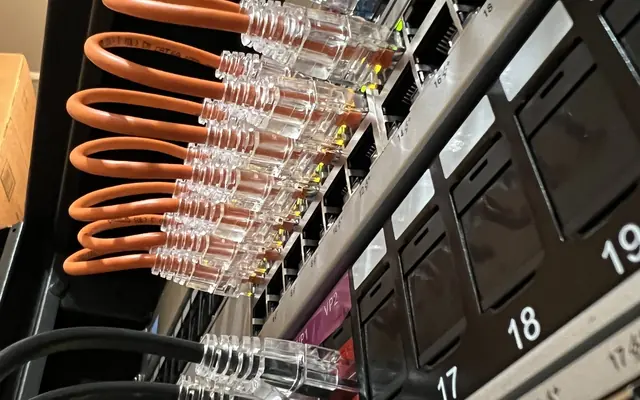
Cabling inside one building is almost always copper. Our standard is CAT6 for cameras and CAT6A for data drops and Wi-Fi access points, labeled at both ends and tested. Each run stays within 100 meters, and the cable carries PoE.
For 10 Gbps over copper, Ubiquiti lists its SFP+ to RJ45 adapter at 10 Gbps over Cat 6A up to 100 meters. That is one reason we pull CAT6A for runs to faster access points. For the comparison between the two grades, see CAT6 vs CAT6A.
For very short jumps between SFP+ ports, such as gateway to switch in the same rack, Ubiquiti’s fiber datasheet lists direct attach copper cables in 1 to 3 meter lengths.
Where fiber fits
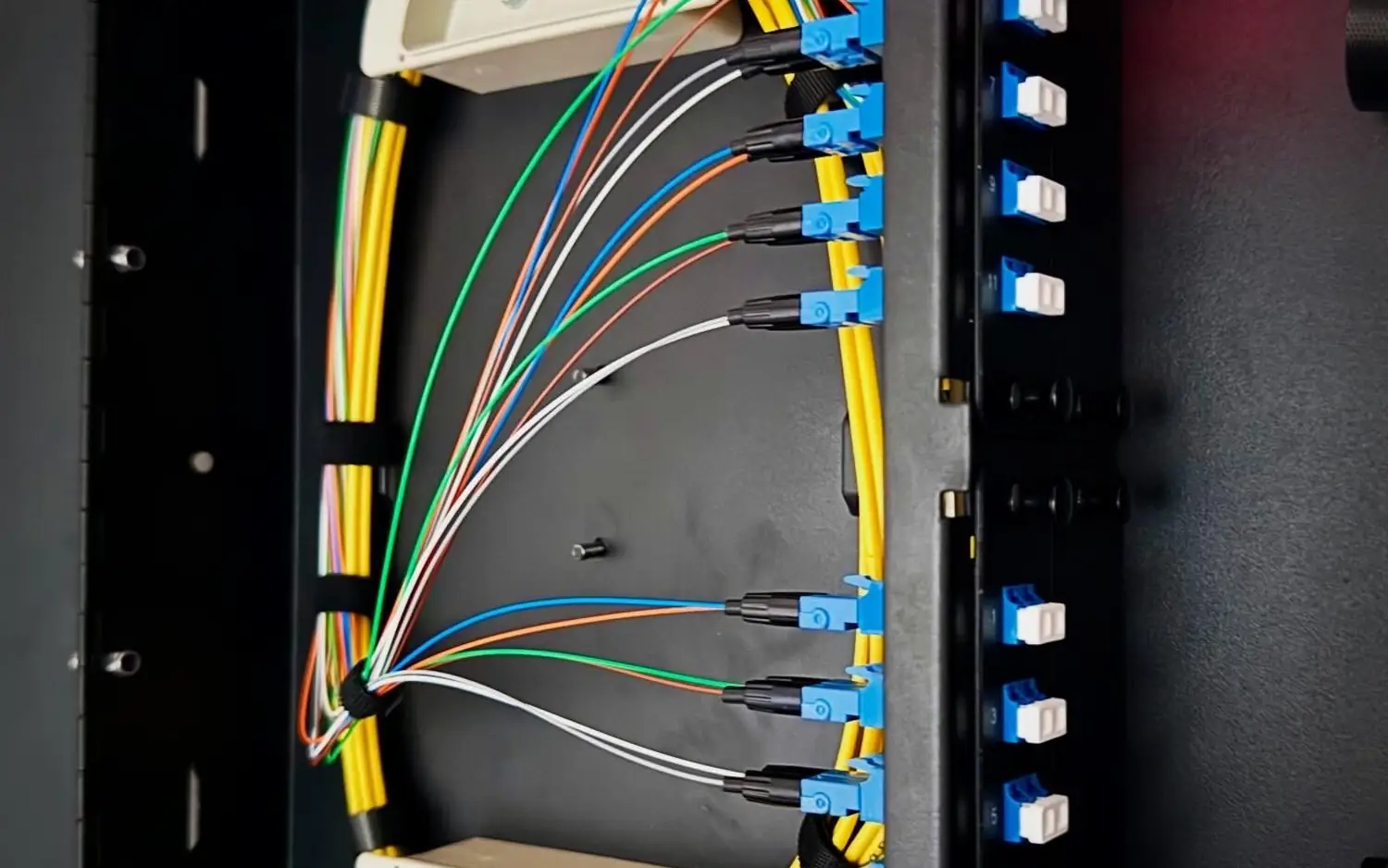
Fiber is the tool for a span, not for a device. Typical cases are a link to a separate building, a long run between two racks, or a backbone between switches. Ubiquiti’s run lengths:
| Fiber type | Jacket (typical) | At 1 Gbps | At 10 Gbps |
|---|---|---|---|
| Multimode OM3 | Aqua | 550 m | 300 m |
| Multimode OM4 | Aqua, can be purple | 550 m | 400 m |
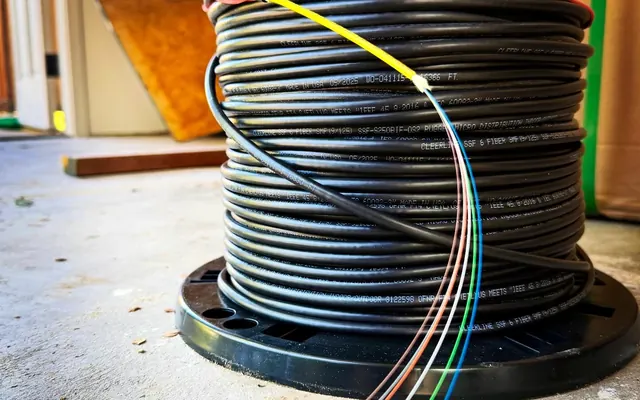
| Single-mode OS1 / OS2 | Yellow | Depends on the optic | 10 km |
Notes from Ubiquiti on the table:
- Multimode uses a larger core and lower-cost optics, which keeps the cost down for runs inside the multimode distances.
- Single-mode has a much smaller core and very low signal loss, which is why it reaches kilometers.
- Ubiquiti’s 10G multimode module (UACC-OM-MM-10G-D) lists 400 m on OM4 and 300 m on OM3. Its 10G single-mode BiDi module (UACC-OM-SM-10G-S) lists 10 km.
- A BiDi pair uses two different wavelengths on one strand, so the two modules must be deployed as a matching pair.
- Never mix cable types. Ubiquiti’s example is not joining a 50 micron patch cable to 62.5 micron building fiber.
These are the rated maximums for the optic and fiber combinations, not goals. The fiber you can use on a given job depends on what is already in the walls and what the optics support. That is why we check the actual fiber and the optics before we promise a distance.
The usual pattern
A common layout puts fiber between two buildings or racks, then copper again at each end. At the far end, a PoE switch turns the fiber link back into short copper runs to powered devices. The span uses fiber because of the distance, and the last meters use copper because of the PoE.
What we check
- The distance of each span and the pathway it takes.
- Whether the end devices need PoE.
- The fiber type already installed, if any, and its connectors.
- The optics on both ends, so they match the fiber and each other.
For fiber work see our fiber optic installation page. For the difference between the two fiber types, read multimode vs single-mode fiber.
FAQ
Is copper good for 100 meters?
Ubiquiti lists 100 meters as the Ethernet cabling limit. Stay under it, and measure the real path, not a straight line.
Can fiber power a camera or access point?
No. Fiber carries light, not power. Use copper to the powered device.
Do I need single-mode for a short building-to-building run?
Not always. Multimode reaches 300 to 400 m at 10 Gbps on OM3 or OM4 per Ubiquiti. Single-mode makes sense for longer spans and gives room to grow.
Can I mix fiber types on one link?
No. Keep the fiber and optics matched end to end.
Get a plan
Request an estimate. Send us a rough map of the buildings and the long runs and we will say where copper is enough and where fiber makes sense. Contact us, or sketch the lot in Sight.